fi-5120C / fi-5220C Image Scanner Operator
Guide
TROUBLE SHOOTING
CONTENTS MAP
TOP
3.10 Correcting skewed documents (2)
1
2
3. Select the [Automatic Page Size Detection] from the "Automatic Size and Skew Detection" menu.
4. Click the [OK] button.
The display returns to [TWAIN Driver] dialogbox.
HINT
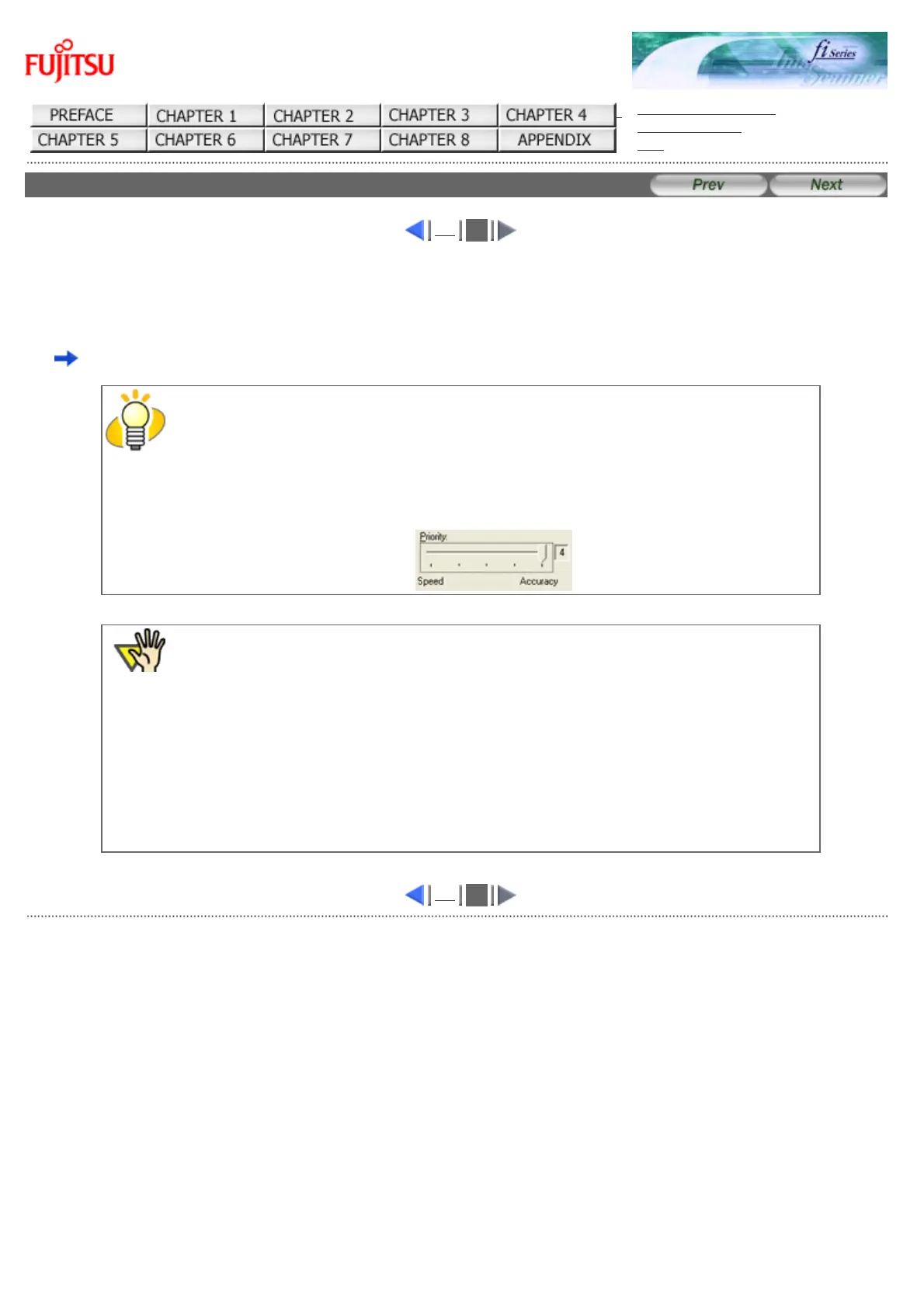
With [Priority] slider control, you can change accuracy of Automatic Page Size Detection. Move
the slider to the right when improving the detection accuracy. (Note that higher accuracy setting
requires much more processing time and scanning speed becomes slower.)
ATTENTION
When using either of the following documents, the Automatic Page Size Detection may not
function correctly:
● Paper of weight 52g/m
2
or less
● Not rectangular documents
● Documents which their margins are filled with dark colors
1
2
All Rights Reserved Copyright 2006-2009 © PFU LIMITED



 To Next Page
 Loading...






