Appendix
Chapter 7 Troubleshooting
Glossary
Introduction
Index
Contents
TOP
137
How to Load
Documents
How to Use the
Operator Panel
Various Ways to
Scan
Daily Care
Operational
Settings
Replacing the
Consumables
Scanner
Overview
Troubleshooting
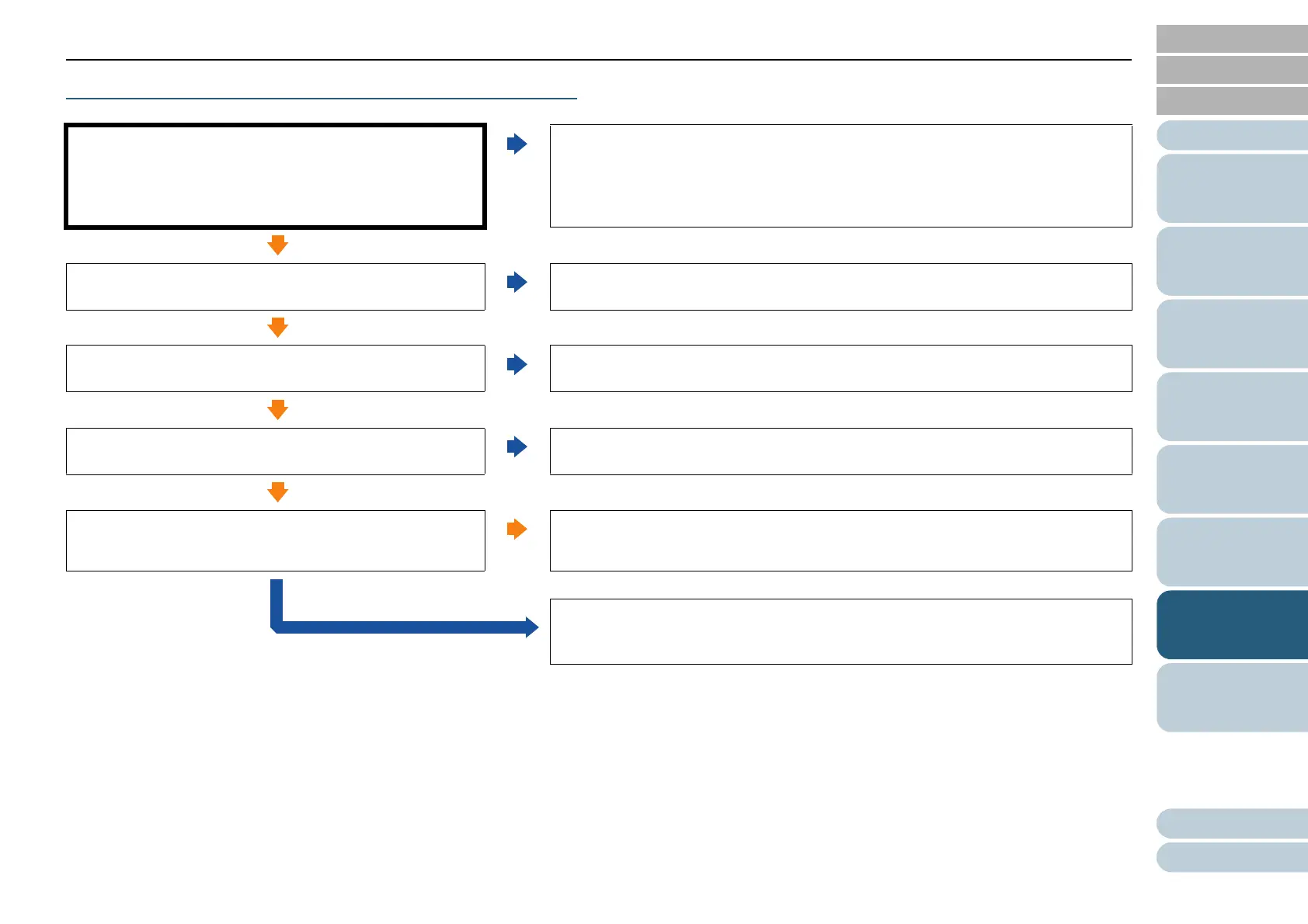
Scanning does not start.
Did you unlock the transport lock?
[fi-7700/fi-7700S]
No
Turn off the scanner and unlock the transport lock.
For details about how to turn off the scanner, refer to "1.3 Turning the Power ON/
OFF" (page 23).
For details about how to unlock the transport lock, refer to the Quick Installation
Sheet.
Yes
Is the document loaded in the ADF paper chute (feeder)
correctly?
No
Reload the document in the ADF paper chute (feeder).
Yes
Is the ADF closed properly?
No
Close the ADF firmly.
If the document is caught in the ADF, remove the document and close the ADF.
Yes
Is the USB cable connected properly?
No
Connect the USB cable properly.
For details, refer to the Quick Installation Sheet.
Yes
Does scanning start after turning the scanner off then back
on?
Yes
The scanner is operating correctly.
No
If the problem persists, check the items in "7.4 Before You Contact the Scanner
Service Provider" (page 152) first, then contact your FUJITSU scanner dealer or
an authorized FUJITSU scanner service provider.



 To Next Page