5 - 12 C156-E097-01EN
At setting the cartridge to the setting case, do not apply the heavy
shock and push hardly.
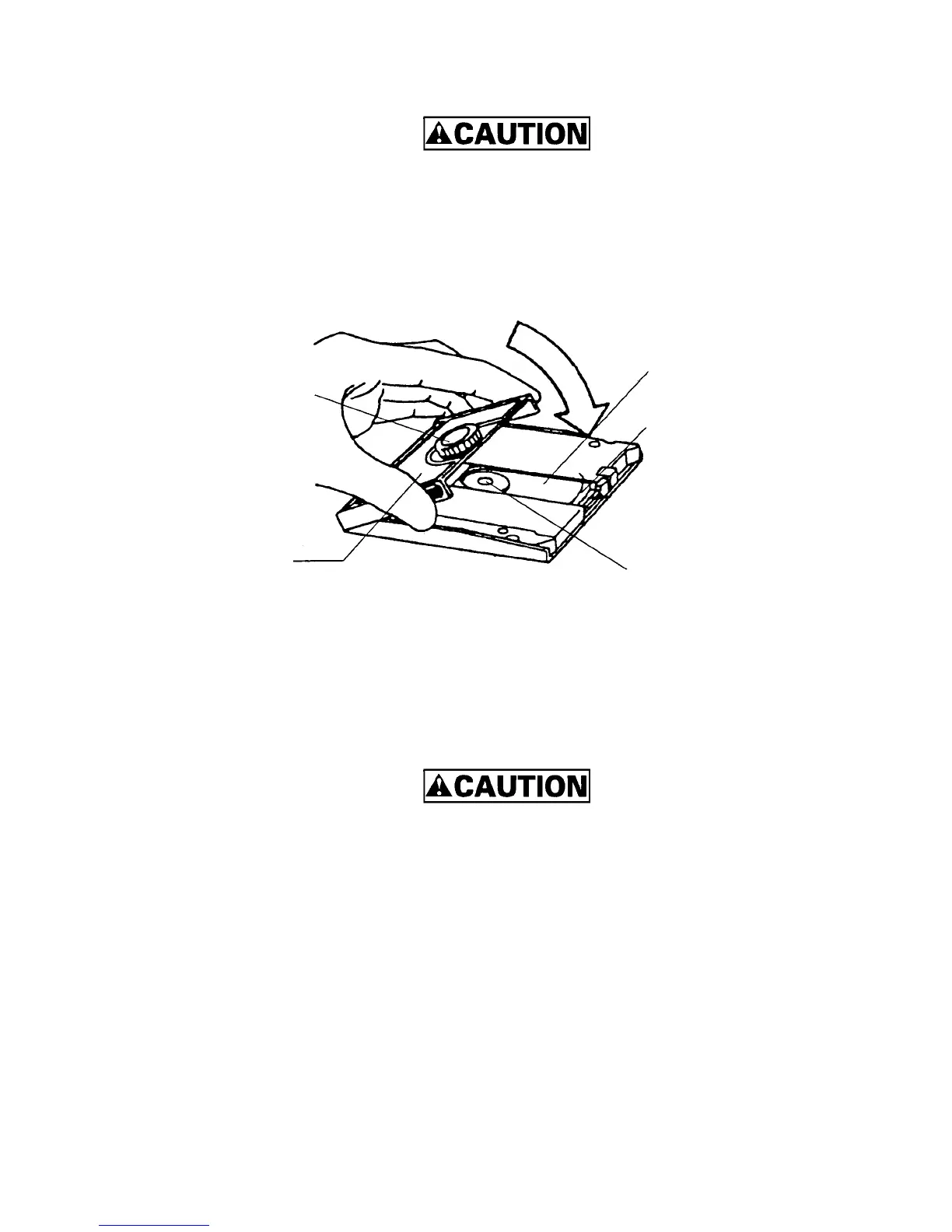
3) Cover the cartridge with the setting case cover, then insert the spindle pin into the center
hub of the cortridge.
Figure 5.8 Cleaning procedure (3)
4) Remove a slender piece that causes a defect from the disk surface at wiping the disk
media.
5) Moisten the cleaning cloth with a few drops of cleaning solution.
In case of contact with eyes, immediately flush eyes with water.
6) Wipe the disk surface from the hub outward.
Cartridge opening
Disk media
Disk hub
Setting case cover
Revolver



 To Next Page