C156-E097-01EN 2 - 17
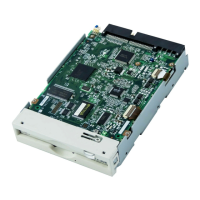
The following explains the components of the optical disk drive shown in Figure 2.1:
1) Cartridge case
Covers the disk to protect it from damage when handled and facilitates disk replacement.
The cartridge case is labeled and has a write protect tab.
2) Shutter
Protects the disk against dust. When the cartridge is inserted into the optical disk drive, the
shutter (metallic door) is opened.
3) Write protect tab
The write protect tab selects whether write is enabled or disabled.
4) Disk
Holds information which can be read by an optical beam.
5) Hub
The hub is placed at the center of the disk and is linked to the spindle of the drive. The hub
is used for radial centering and axial positioning.



 To Next Page