Working with the Tablet PC
Working with the Tablet PC
TabletPC,operationTabletPC
This chapter describes the basics for operating your Tablet PC. You can find instructions
on how to connect external devices (e.g. mouse, flash memory) to the Tablet PC
in the c hapter "
Connecting extern al devices", Page 54.
Please refer to the notes in "Important notes", Page 12.
Status indicators
StatusindicatorsSymbols
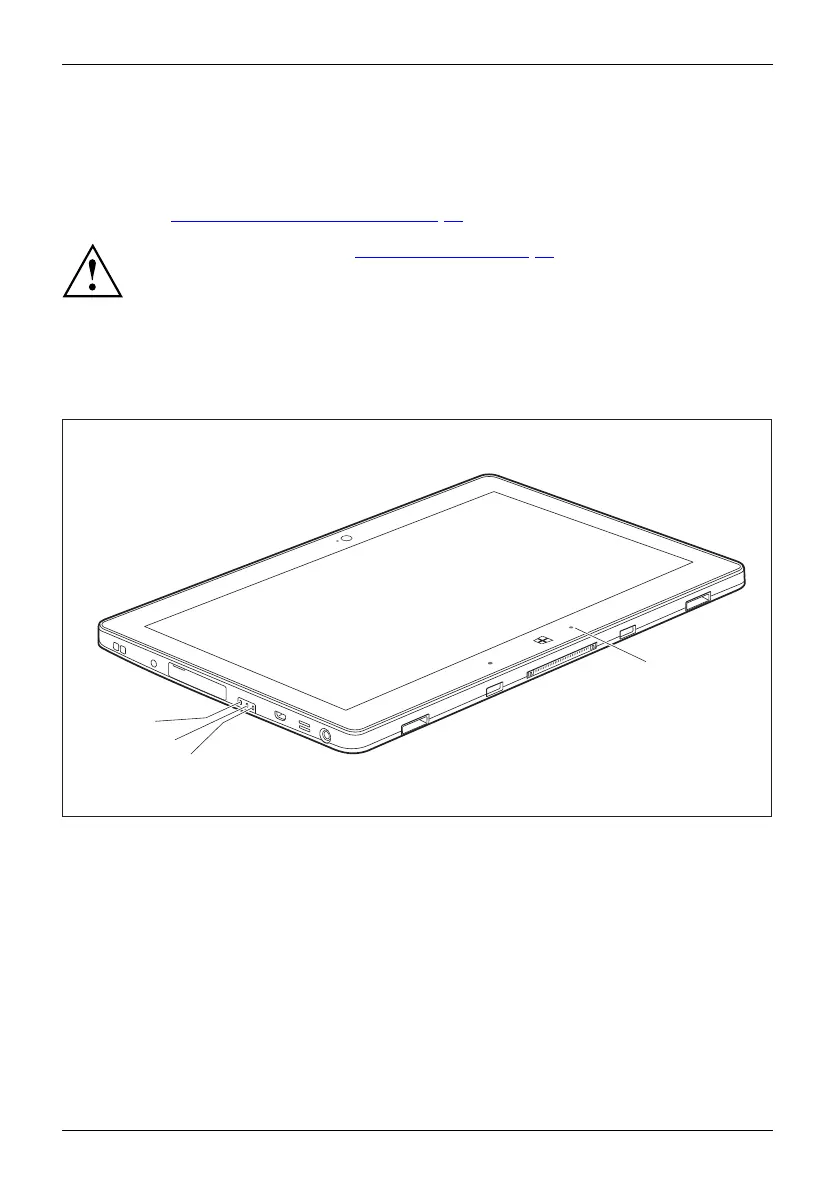
The status indicators (1, 2, 3) provide information about the condition of the power
supply, the rechargeab le battery and the wireless com ponents.
1
2
1
3
20 Fujitsu















 To Next Page