Security functions
Security functions
Securityfunctions
You r Tablet PC has several security features that you can use to secure your
system from unauthorised access.
This chapter explains how to use each function, and what the benefits are.
Please remember that in some cases, for example, forgetting your password,
you may be locked out and unable to access your data. Therefore,
please n ote the following information:
• Back up your data on external dat a carriers at regular intervals.
• Some security functio
ns need you to choose passwords. Make a note
of the passwords and ke
eptheminasafeplace.
If you forget your passwords you will need to contact the our Service
Desk. Deletion or resetting of passwo rds is not covered by your w arranty
and a charge will be made for assistance.
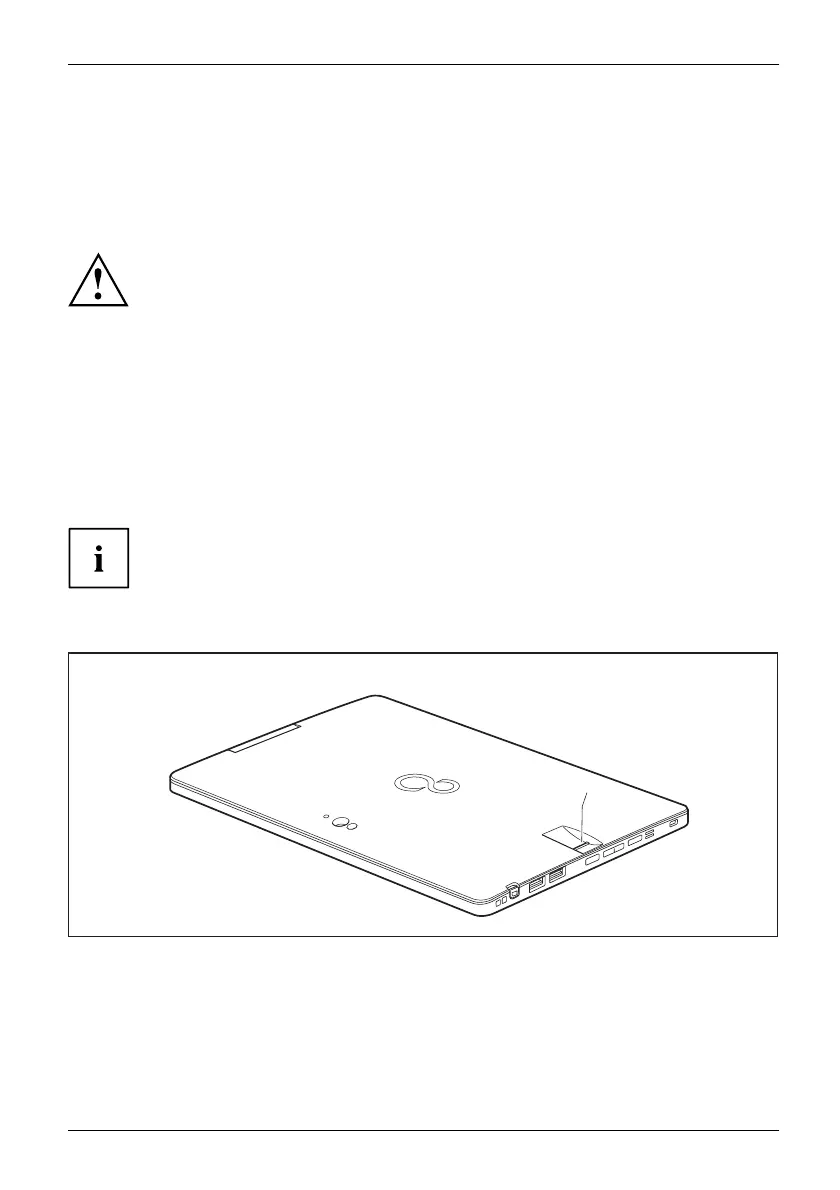
Settingupthefingerprint sensor (configuration
dependent)
Fingerprintsen
sor
Fingerprintsen
sor
The fingerprint sensor can record
an image of a fingerprint. With additional fingerprint
software, this image can be proce
ssed and used instead of a password.
1
► You must install the fingerprint software in order to be able to use the fingerprint sensor (1).
Fujitsu 45















 To Next Page