Actions (for Windows users)
108
5. Press the [Scan/Stop] button on the ScanSnap to start scanning.
6. Press the [Scan/Stop] button on the ScanSnap to finish scanning.
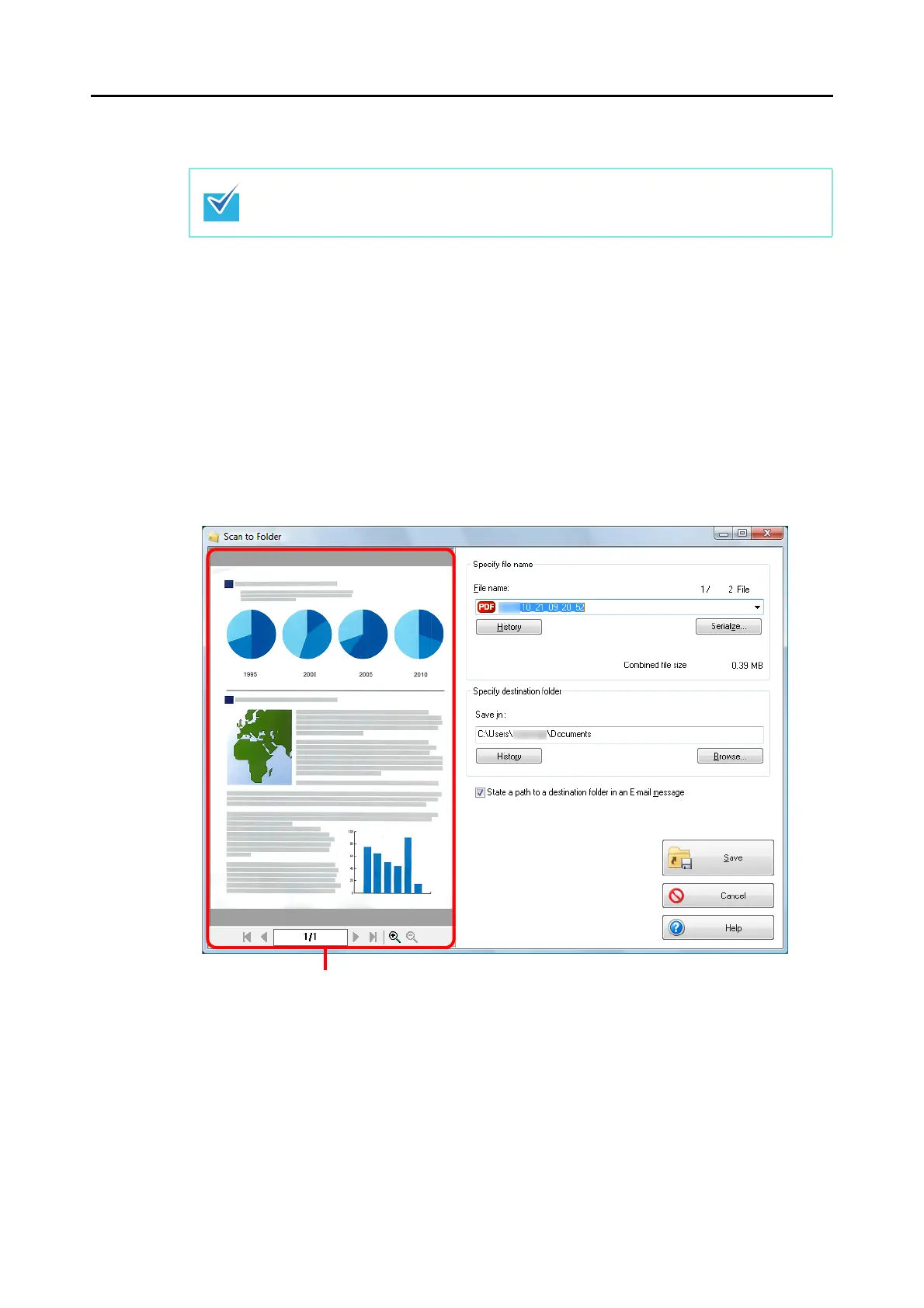
D The [Scan to Folder] dialog box appears.
7. Check the scanned image in the preview area.
In the [Scan to Folder] dialog box, you can change files names, destination folders, and
specify whether to state a path to a destination folder in an e-mail message to notify
others.
For details about the [Scan to Folder] dialog box, refer to the ScanSnap Manager Help.
Load another document in the ScanSnap when you want to scan multiple sheets. Scanning
starts automatically when a document is loaded.


 To Next Page
 Loading...











