Configuring ScanSnap Manager (for Mac OS users)
270
Configuring ScanSnap Manager
This section explains how to set scan settings, how to add, change and delete profiles,
automatic linkage with applications and windows displayed during scanning.
■ Quick Menu Settings
You can specify which applications to display or hide in the Quick Menu, as well as change
the display order of the applications in the following procedure.
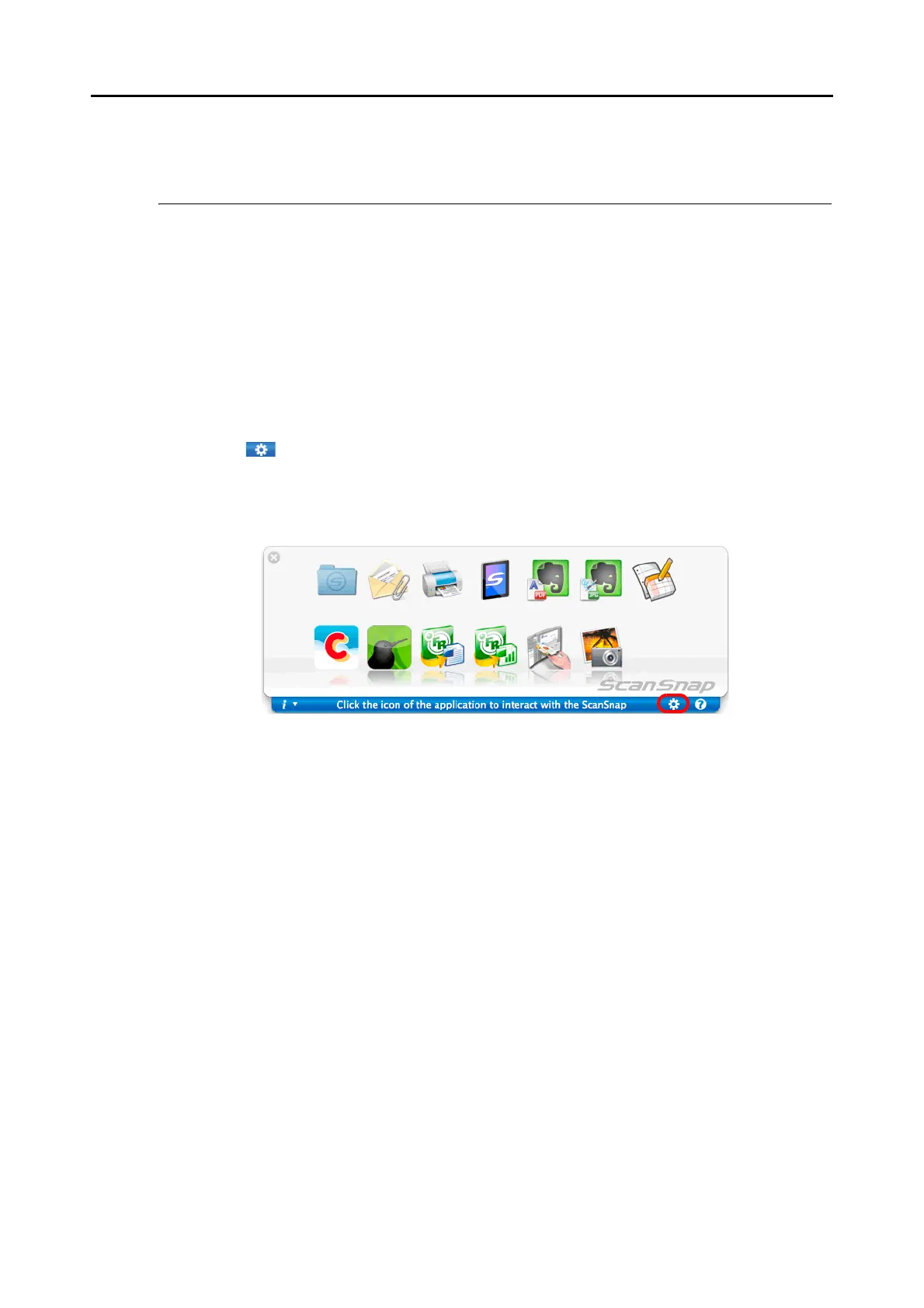
1. Click [ ] in the Quick Menu.
For details about how to display the Quick Menu, refer to "Using the Quick Menu" (page
260).
D The [Applications to Show/Hide] window appears.



 To Next Page