Configuring ScanSnap Manager (for Windows users)
85
■ Profile Management
You can manage up to 20 profiles.
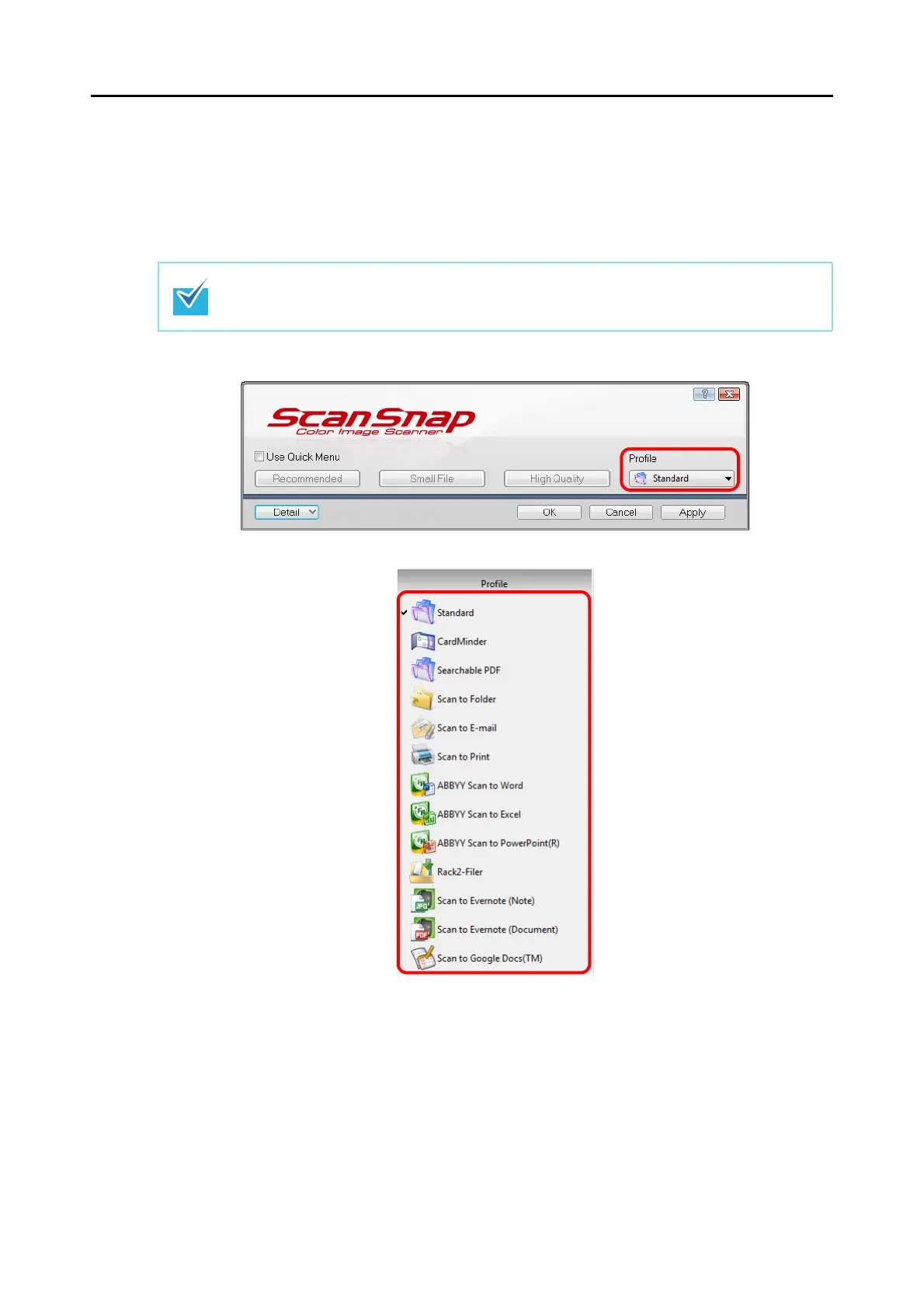
You can select a profile in the [Profile] drop-down list in the ScanSnap setup dialog box or
from the Left-Click Menu.
z [Profile] drop-down list
z Left-Click Menu
Once the frequently used scan settings are saved as profiles, you do not have to open the
ScanSnap setup dialog box to change scan settings every time you perform scanning. You
can easily switch to an appropriate profile you want by just selecting it.
For details about how to add, change or delete profiles, refer to the following:
z To add new profiles (→ page 86)
z To change scan settings for profiles (→ page 89)
z To rename profiles (→ page 91)
z To delete profiles (→ page 93)
To use a profile, you need to clear the [Use Quick Menu] check box in the ScanSnap setup
dialog box.















 To Next Page