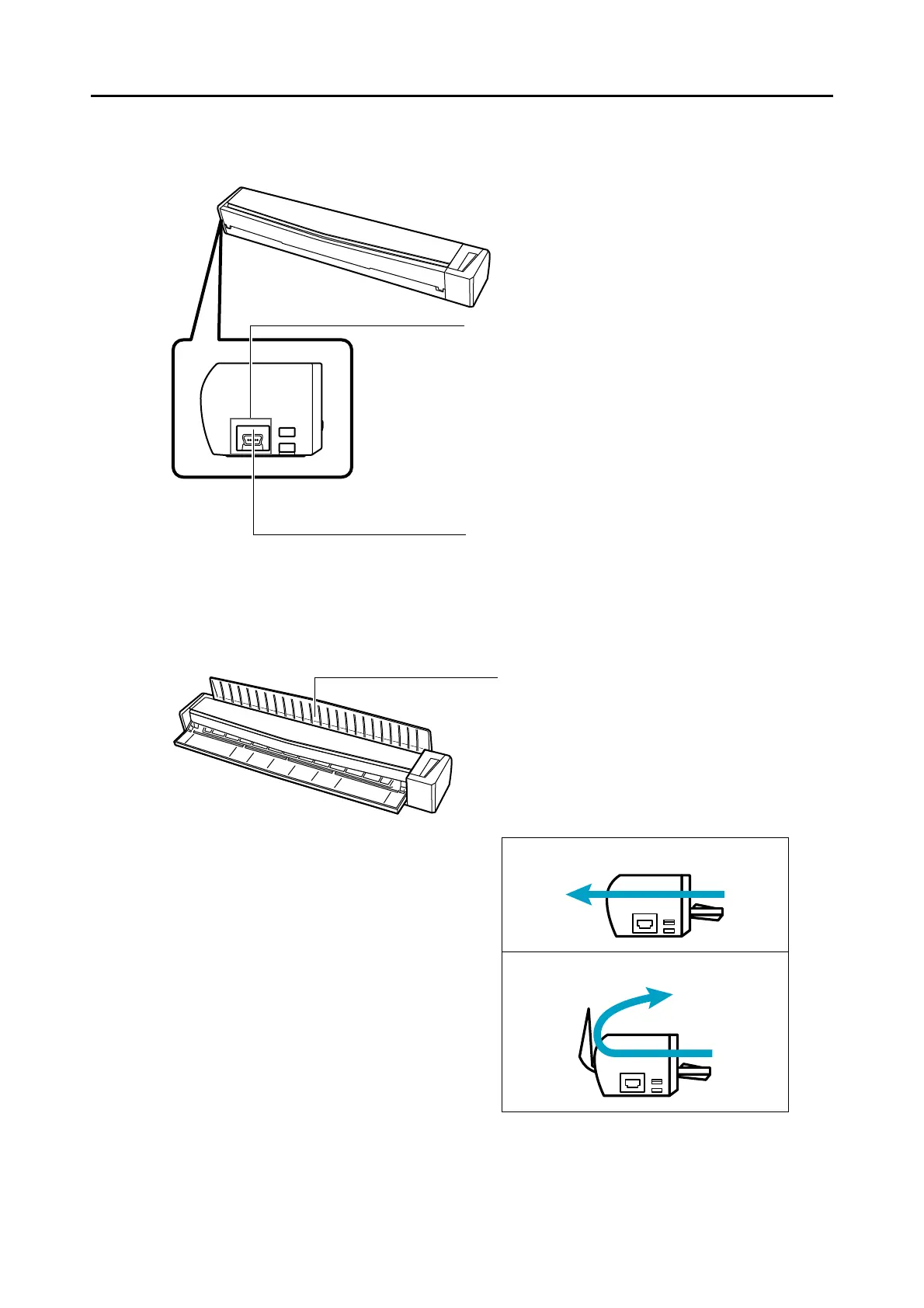
Output guide
Open the output guide to eject documents from the
front of the ScanSnap.
Select an ejection method depending on the
document type you are scanning.
For details about the documents that can be
scanned with the ScanSnap, refer to "Documents
for Scanning" (page 28).
When the output guide is closed
When the output guide is open















 To Next Page