Installing in Mac OS
52
Installing in Mac OS
This section explains how to install software in Mac OS.
■ How to Install the Software
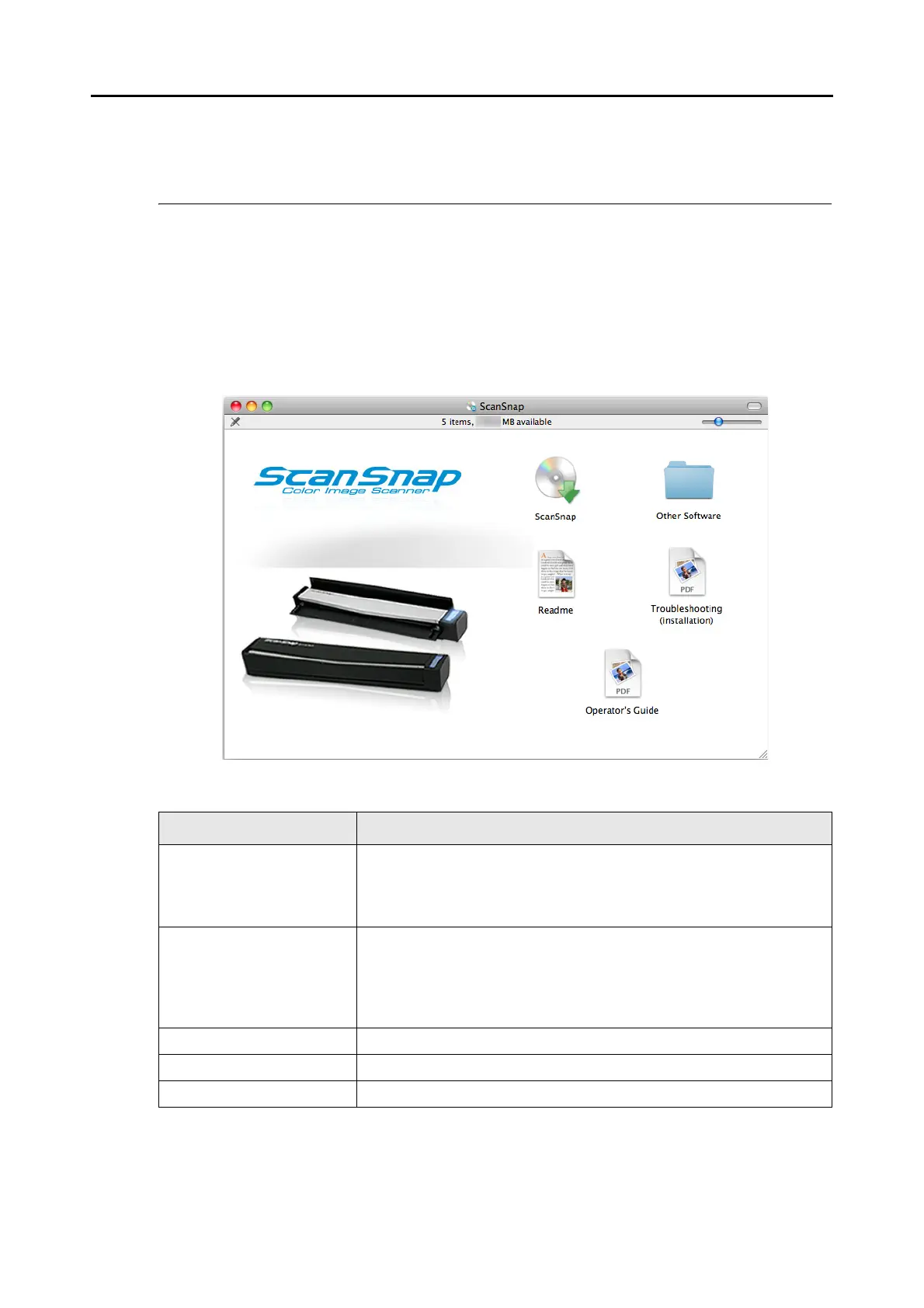
When you insert the Setup DVD-ROM into the DVD-ROM drive on your computer, the
[ScanSnap] window appears.
The functions of each icon in the [ScanSnap] window are as follows.
Icon Function
ScanSnap Installs the following software:
z ScanSnap Manager
z ABBYY FineReader for ScanSnap
z Cardiris
Other Software Displays the [Other Software] window.
z [Evernote] icon
Installs Evernote for Mac.
z [SugarSync] icon
Opens the SugarSync Manager for Mac download web page.
Readme Displays the Readme file.
Troubleshooting (installation) Displays "Troubleshooting (installation)".
Operator's Guide Displays this manual.















 To Next Page