ScanSnap Manager Icon and Operations (for Windows users)
65
■ Left-Click Menu
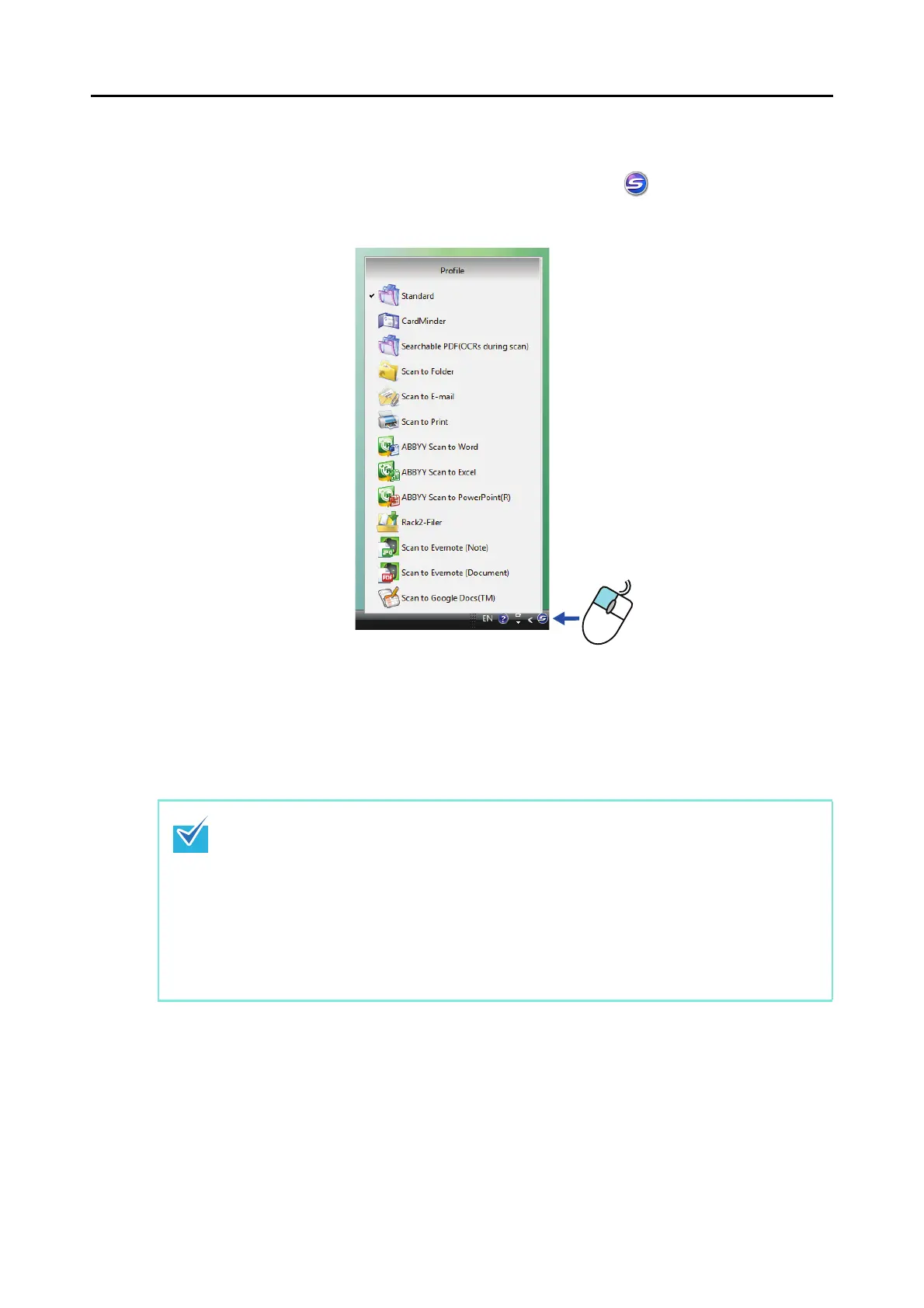
This menu appears when you click the ScanSnap Manager icon .
Available profiles are shown in the Left-Click Menu.
Select a profile in the Left-Click Menu before you perform scanning. Documents are scanned
according to the scan settings of the profile you select.
For details about how to add, change or delete profiles, refer to "Profile Management" (page
85).
z To enable the Left-Click Menu, clear the [Use Quick Menu] check box in the ScanSnap setup
dialog box. The Left-Click Menu does not appear when this check box is selected.
z Profiles configured for the following scanner models will be carried over to ScanSnap S1100
if the computer is the same:
- ScanSnap S1500
- ScanSnap S1500M
- ScanSnap S1300
- ScanSnap S510
- ScanSnap S500
- ScanSnap S300
Left-click
Left-Click Menu example















 To Next Page