Actions (for Windows users)
129
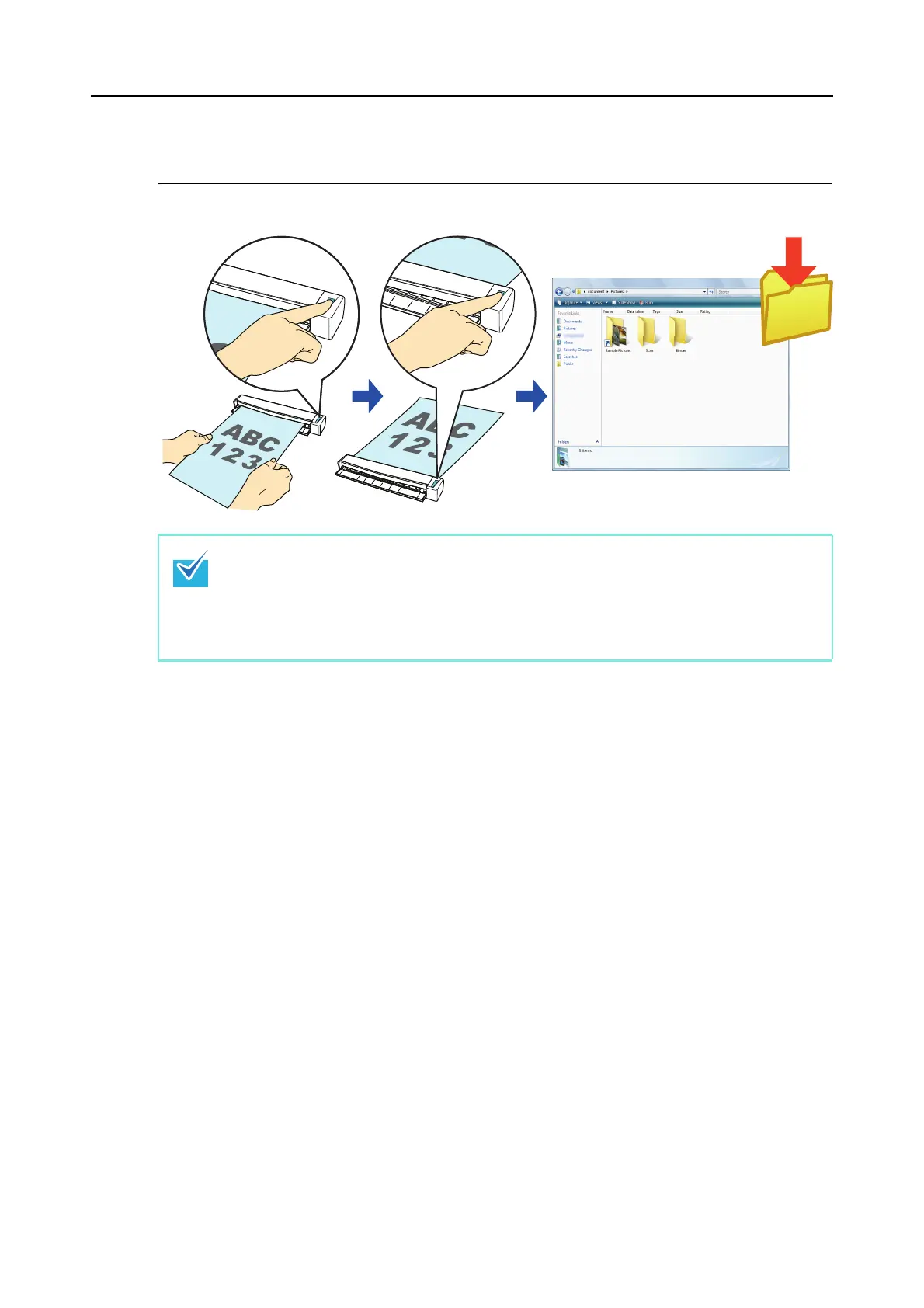
■ Saving Files to Picture Folder
This section explains how to save the scanned image as a JPEG file in the "Pictures folder".
For details about the procedure to scan and save the scanned image in the "Pictures folder"
using or without using the Quick Menu, refer to the following:
z Using the Quick Menu (→ page 130)
z Without Using the Quick Menu (→ page 133)
The following folder is set as the "Pictures folder" by default:
z Windows 7/Windows Vista
Drive name (such as C)\Users\user name\Pictures\ScanSnap
z Windows XP
Drive name (such as C):\Documents and Settings\user name\My Documents\
My Pictures\ScanSnap















 To Next Page