How to Perform a Scan (for Windows users)
67
There are two ways to perform scanning, either with the Quick Menu or without using the
Quick Menu. For details, refer to the following:
z Using the Quick Menu
(→ page 67)
z Without Using the Quick Menu (→ page 73)
■ Using the Quick Menu
The following explains the procedure for scanning by using the Quick Menu.
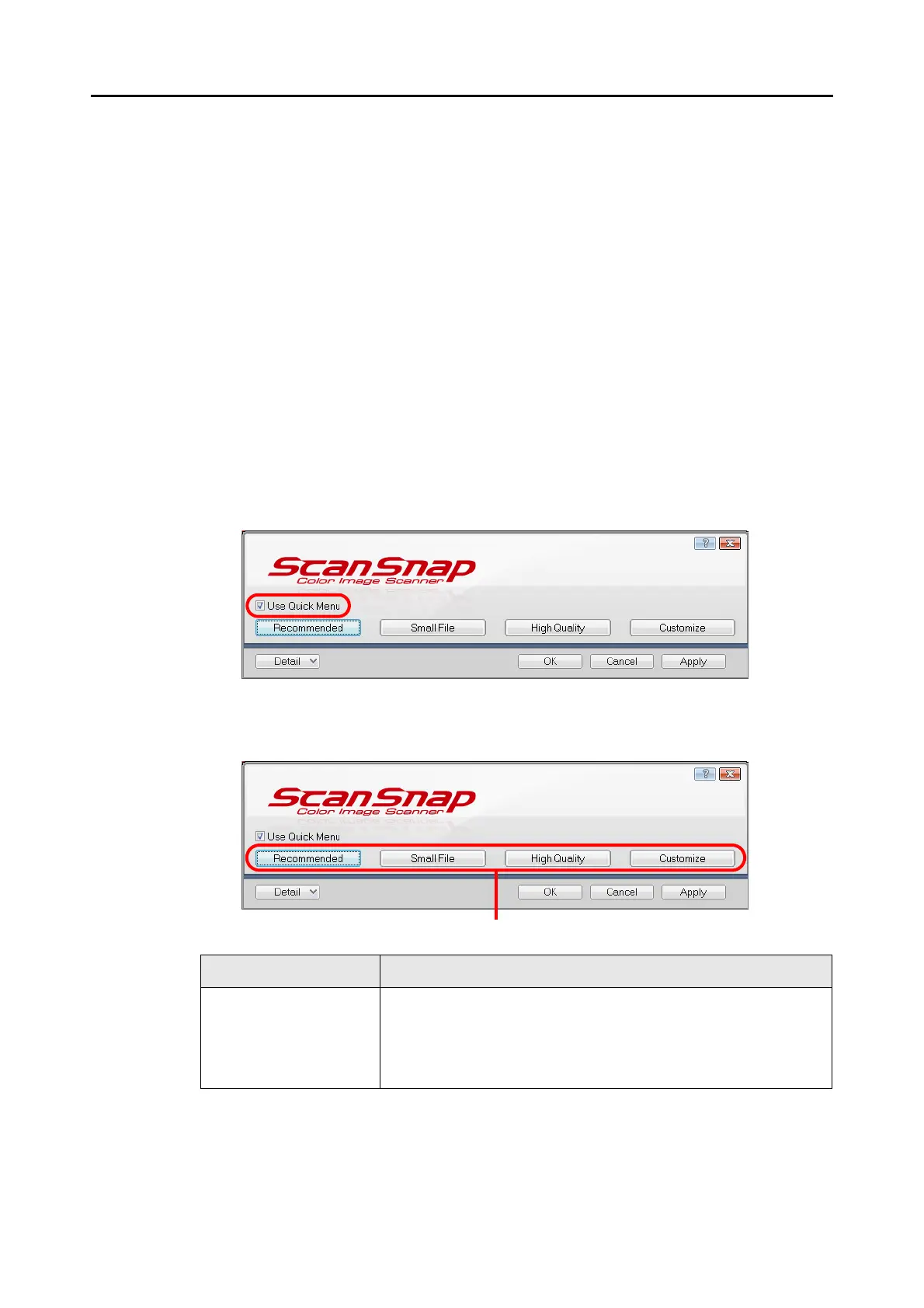
1. Select [Scan Button Settings] from the Right-Click Menu.
For details about the Right-Click Menu, refer to "Right-Click Menu" (page 64).
D The ScanSnap setup dialog box appears.
2. Select the [Use Quick Menu] check box.
3. Click one of the profile buttons.
Profile Button Description
[Recommended] button Settings are [Automatic resolution] for [Image quality] in the [Scanning]
tab in the ScanSnap setup dialog box and default for other settings.
It is recommended that you select this button when you want to scan
documents in optimum quality suitable for the paper size of the
document.















 To Next Page