Actions (for Windows users)
160
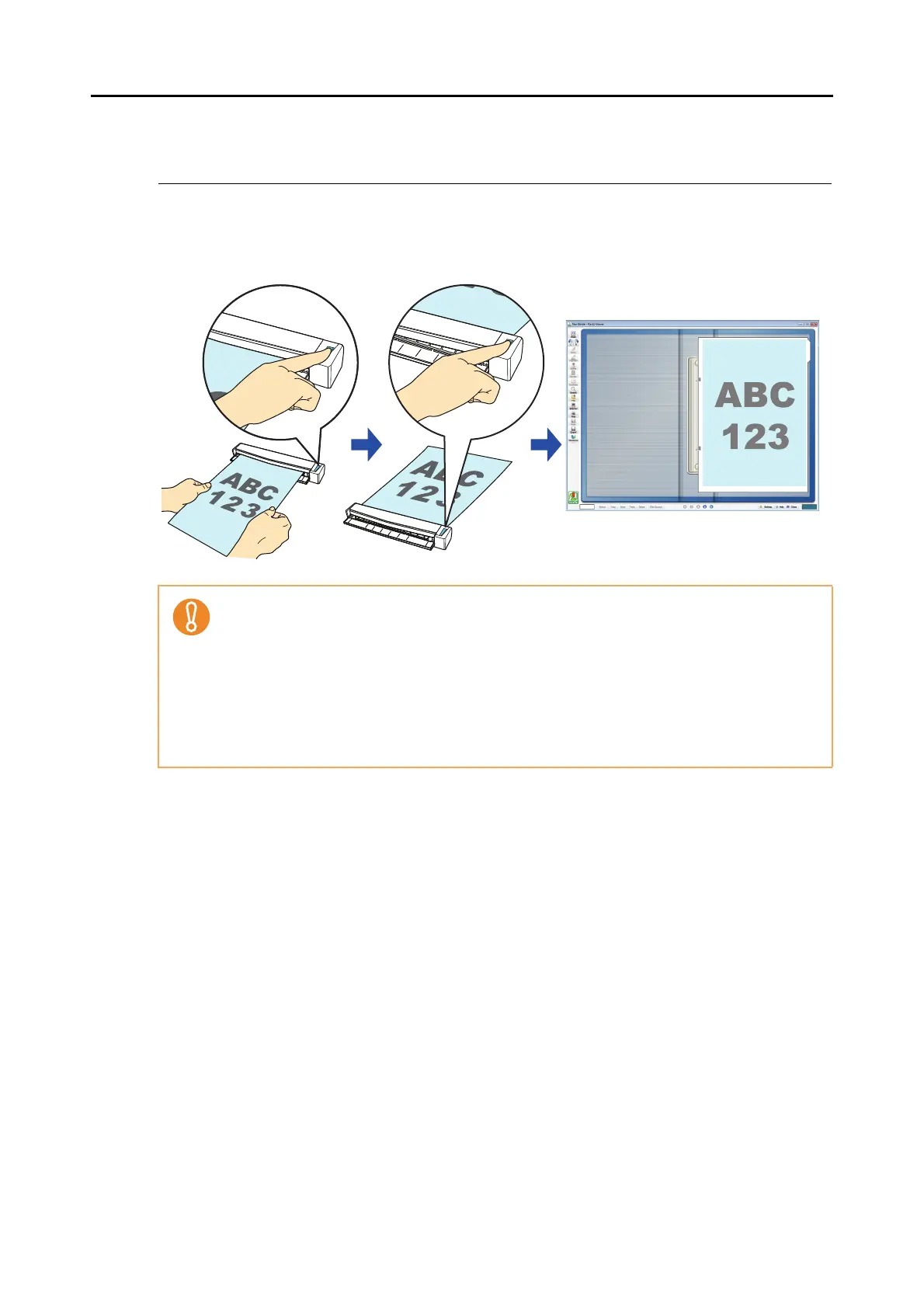
■ Saving to Rack2-Filer
This section explains how to save the scanned image as a PDF file in Rack2-Filer trial version
(bundled with the ScanSnap) or Rack2-Filer (V5.0 or later recommended/bundled model or
sold separately).
For details about the procedure to scan and save the scanned image in Rack2-Filer using or
without using the Quick Menu, refer to the following:
z Using the Quick Menu (→ page 161)
z Without Using the Quick Menu (→ page 164)
z Rack2-Filer trial version (bundled with the ScanSnap) or Rack2-Filer (V5.0 or later recom-
mended/bundled model or sold separately) is required to use this function.
Rack2-Filer is an application that converts paper documents and electronic documents into
PDF files and manages them in a computer. You can manage the documents as if you bind
them, store them on a cabinet shelf, and browse them as if you flip through a book.
z The following settings in ScanSnap Manager are disabled when the scanned image is saved
to Rack2-Filer:
- Rename file after scanning
- Color high compression



 To Next Page