Actions (for Mac OS users)
297
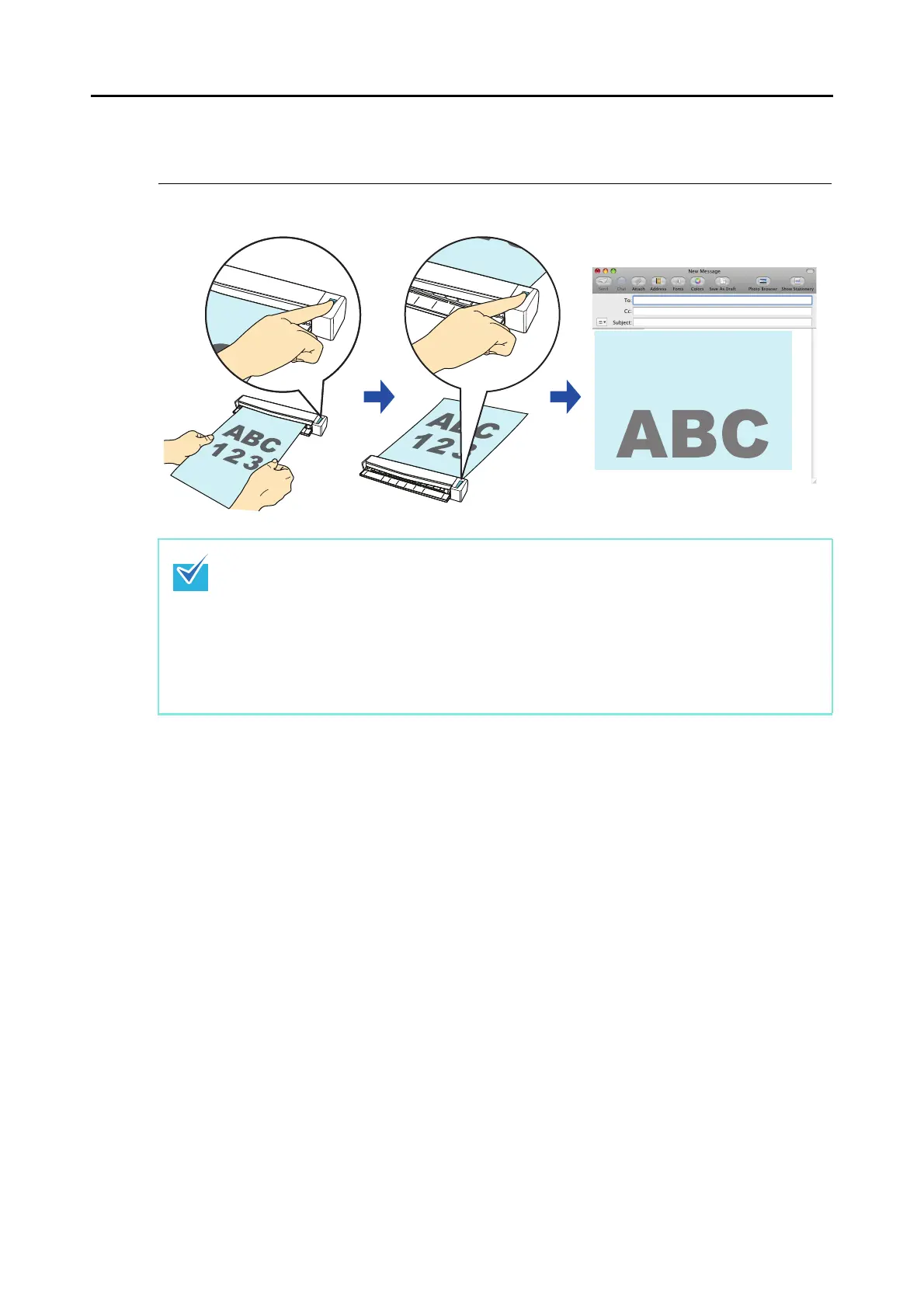
■ Attaching Files to E-Mail
This section explains how to attach the scanned image file to an e-mail message.
For details about the procedure to scan and attach the scanned image to an e-mail message
using or without using the Quick Menu, refer to the following:
z Using the Quick Menu (→ page 298)
z Without Using the Quick Menu (→ page 302)
The e-mail program configured in Mail when you select [Mail] menu → [Preferences] →
[General] button → [Default email reader] is used as the e-mail program to link with ScanSnap
Manager.
The following e-mail programs are supported:
z Mail
z Outlook for Mac 2011
z Entourage 2008 for Mac
z Entourage 2004 for Mac



 To Next Page