Updating ScanSnap Manager
430
■ Updating in Mac OS
Update ScanSnap Manager in the following procedure.
We recommend that you run the update regularly.
1. Select [Help] → [Online Update] from the ScanSnap Manager menu.
For details about the ScanSnap Manager menu, refer to "ScanSnap Manager Menu"
(page 256).
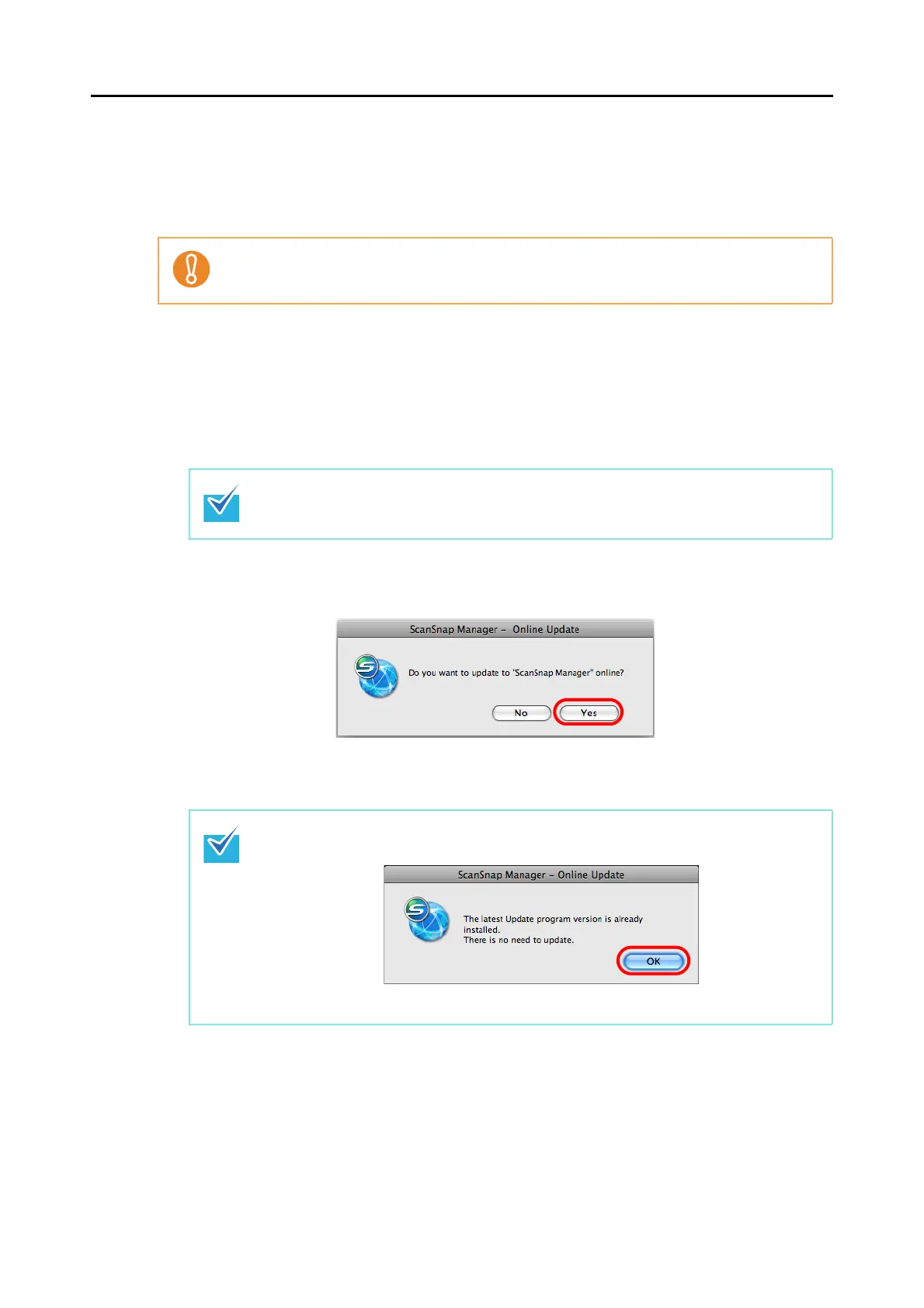
D A confirmation message appears.
2. Click the [Yes] button.
D If a later version of ScanSnap Manager (update) is available, a message confirming
the update appears.
It is necessary to have a web browser with Internet access to perform the update.
You can also update ScanSnap Manager by selecting:
z [Help] → [Online Update] from the menu bar
z From Finder, [Applications] → [ScanSnap] and double-clicking [Online Update].
If the latest version of ScanSnap Manager is already installed, the message below
appears.
Click the [OK] button to close the message.















 To Next Page