Actions (for Windows users)
117
Without using the Quick Menu
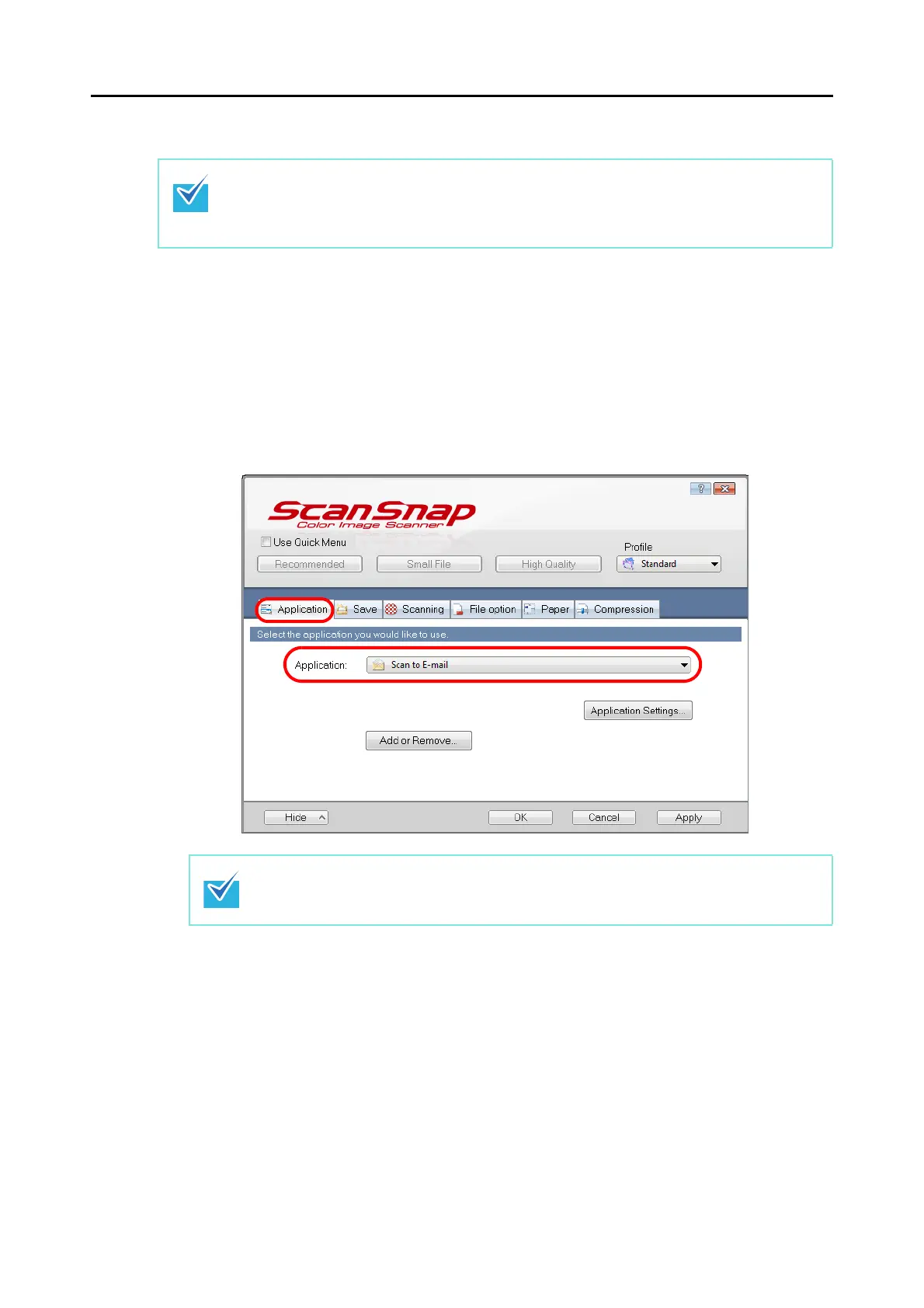
1. Select [Scan Button Settings] from the Right-Click Menu.
For details about the Right-Click Menu, refer to "Right-Click Menu" (page 64).
D The ScanSnap setup dialog box appears.
2. In the [Application] drop-down list in the [Application] tab, select [Scan
to E-mail].
To disable the Quick Menu, you need to clear the [Use Quick Menu] check box in the ScanSnap
setup dialog box.
For details about how to perform scanning without using the Quick Menu, refer to "Without Using
the Quick Menu" (page 73).
ScanSnap Manager can also link with [Scan to E-mail] when you select:
z [Scan to E-mail] from the [Profile] drop-down list of the ScanSnap setup dialog box
z [Scan to E-mail] from the Left-Click Menu.



 To Next Page