Actions (for Windows users)
154
6. Save the image data.
zSaving to SharePoint
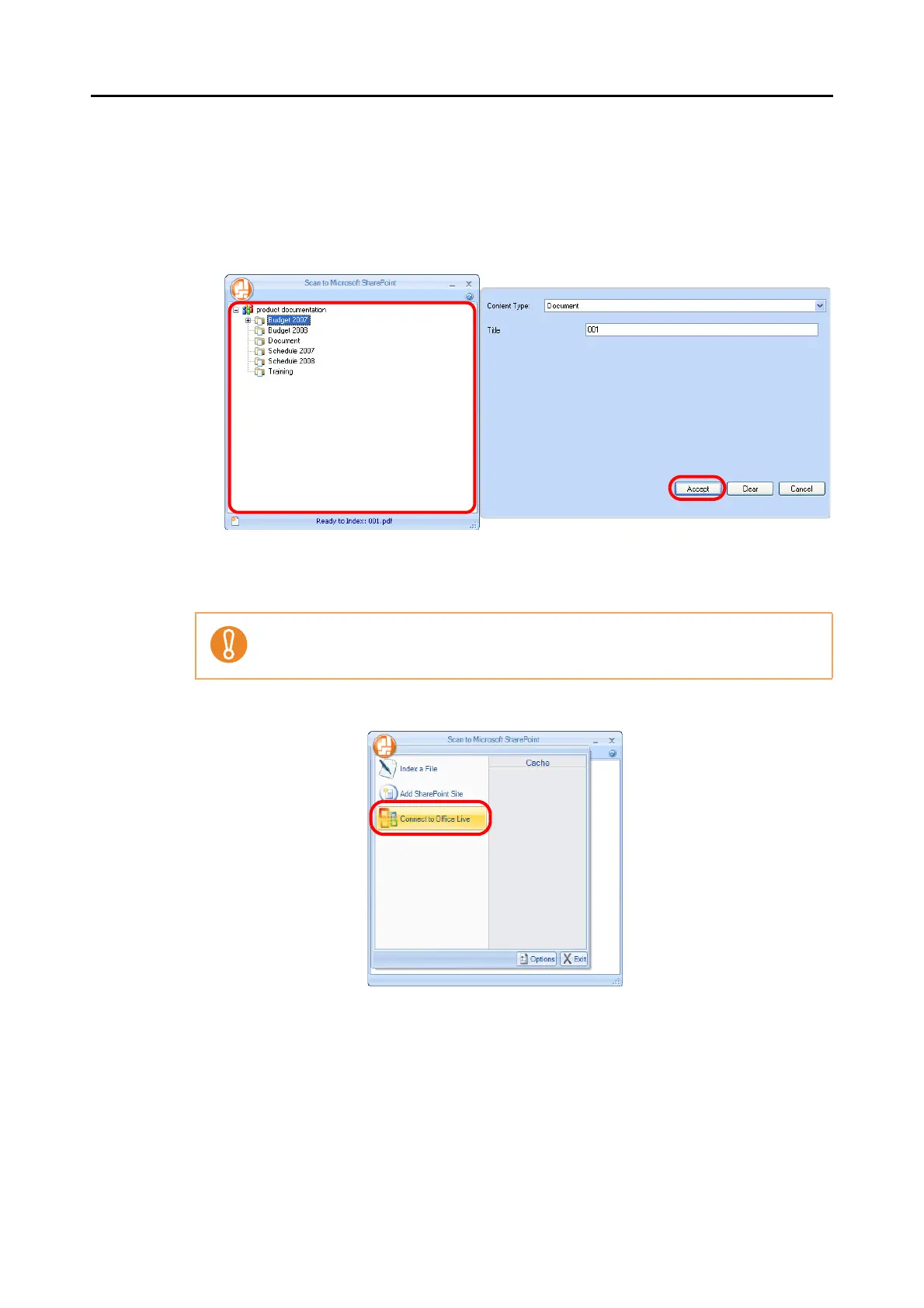
1. Select a folder in which you want to save the scanned image.
2. In the Scan to Microsoft SharePoint Index Pane, enter information, such as the title,
and click the [Accept] button.
D The scanned image is saved in the specified folder.
zSaving to Office Live
1. Select [Connect to Office Live] from the menu.
D The Office Live logon dialog box appears.
Support for Office Live varies depending on the country. For more details, refer to the
Office Live Web site.















 To Next Page