Actions (for Windows users)
170
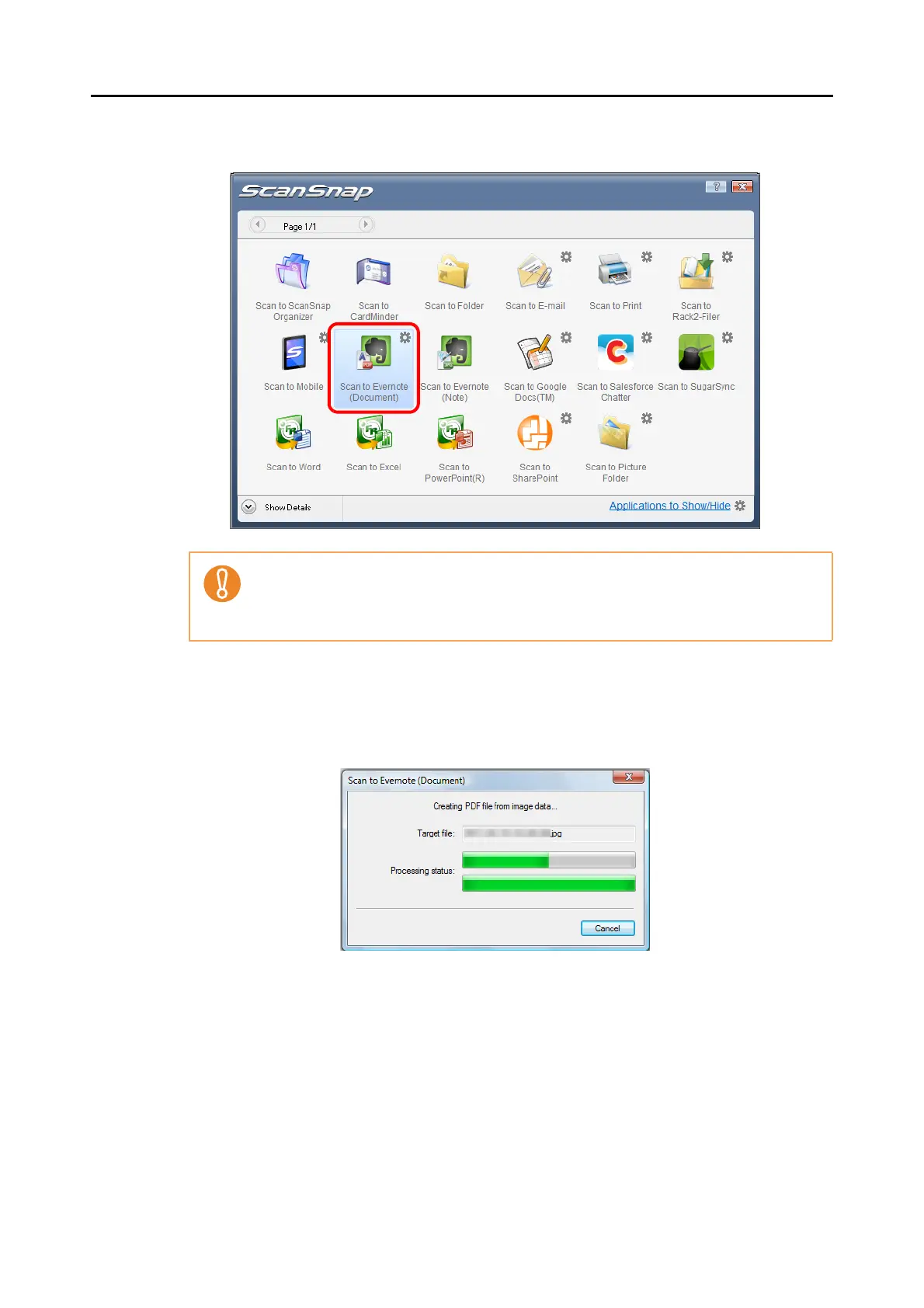
5. Click the [Scan to Evernote (Document)] icon.
D When you perform a scan with [JPEG(*.jpg)] selected for [File format] in the [File
option] tab of the ScanSnap setup dialog box, a PDF file is created from the JPEG
file. A separate PDF file is created for each JPEG file.
The following dialog box is displayed when the PDF file is being created.
z You cannot start scanning when the Quick Menu is displayed. Save the PDF file to Ever-
note before scanning the next document.
z Do not move, delete, or rename the scanned image in other applications when the
Quick Menu is displayed.















 To Next Page