Configuring ScanSnap Manager (for Mac OS users)
280
Changing Profile Settings
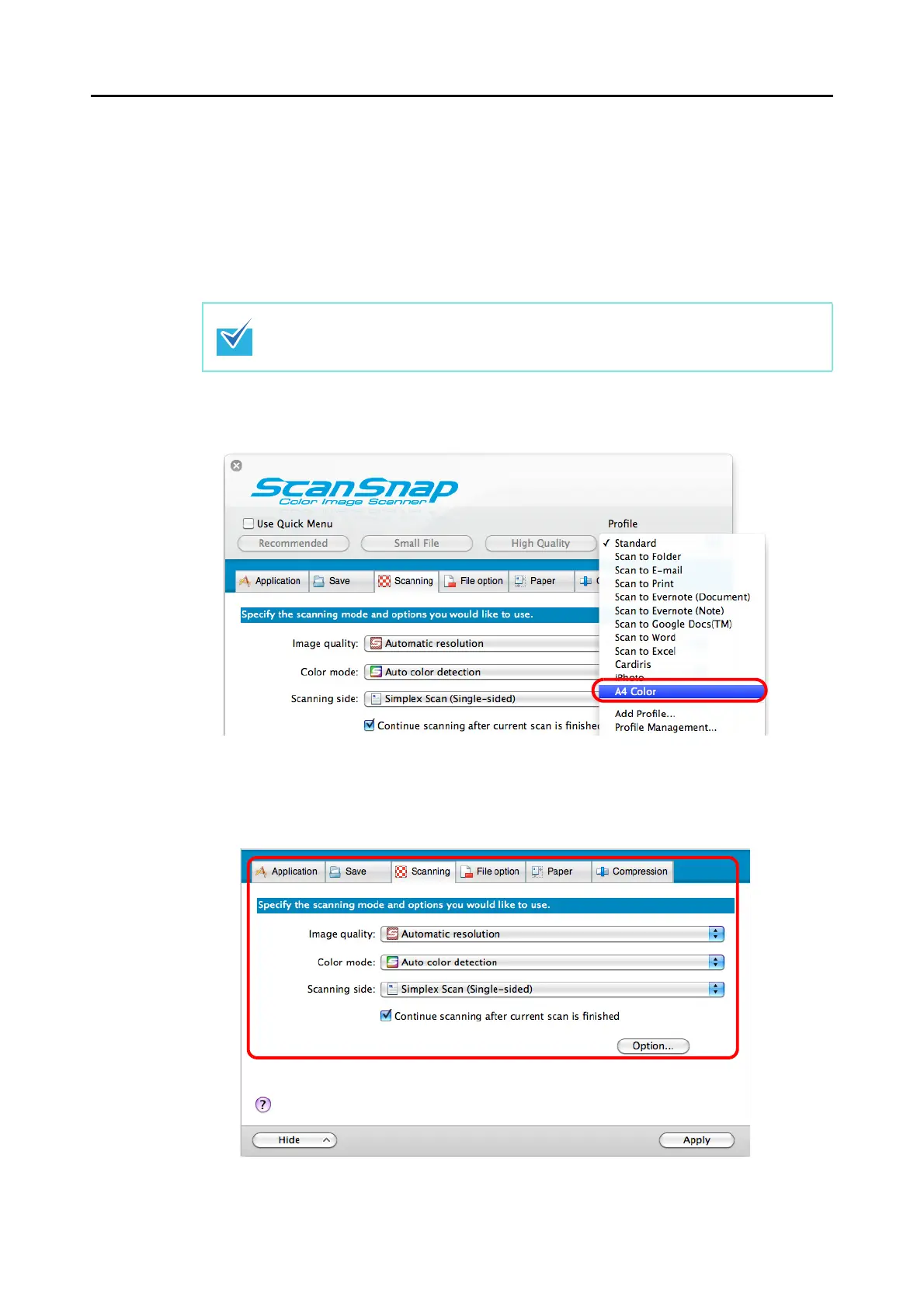
1. Select [Settings] from the ScanSnap Manager menu.
For details about the ScanSnap Manager menu, refer to "ScanSnap Manager Menu"
(page 256).
D The ScanSnap setup window appears.
2. Select a profile from the [Profile] pop-up menu.
3. Change the scan settings in each tab.
For details about each tab, refer to the ScanSnap Manager Help.
Clear the [Use Quick Menu] checkbox if it is selected.















 To Next Page