Configuring ScanSnap Manager (for Mac OS users)
288
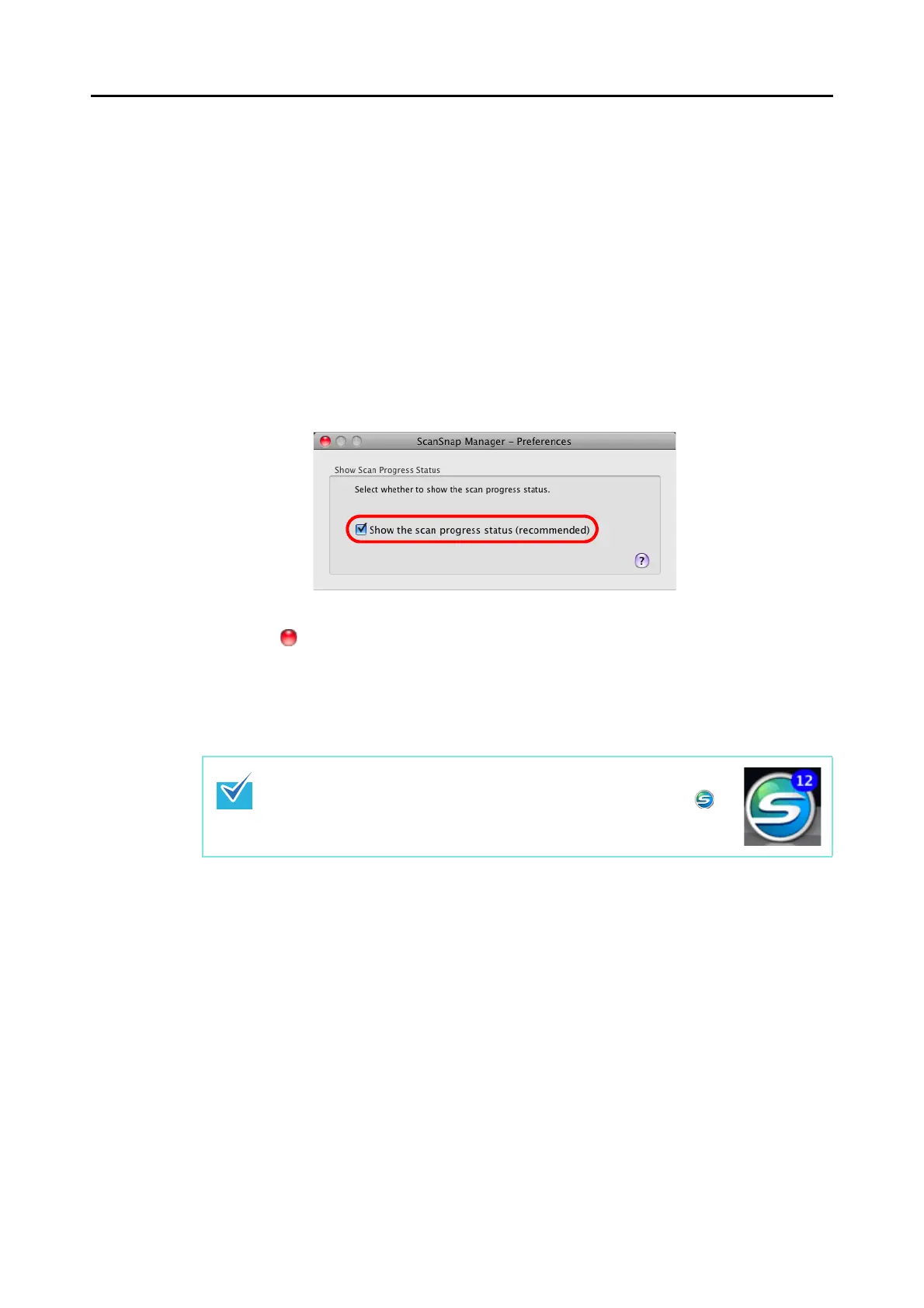
Hiding the Scanning Progress Status
You can hide the [ScanSnap Manager - Image scanning and file saving] window in the
following procedure.
1. Select [Help] → [Preferences] from the ScanSnap Manager menu.
For details about the ScanSnap Manager menu, refer to "ScanSnap Manager Menu"
(page 256).
D The [ScanSnap Manager - Preferences] window appears.
2. Clear the [Show the scan progress status (recommended)] checkbox.
3. Click the [ ] button in the upper left corner to close the [ScanSnap
Manager - Preferences] window.
D The [ScanSnap Manager - Image scanning and file saving] window is hidden from
next scanning on.
When the scanning progress status window is not displayed, the current
number of pages saved is indicated on the ScanSnap Manager icon in
the Dock.















 To Next Page