Actions (for Mac OS users)
299
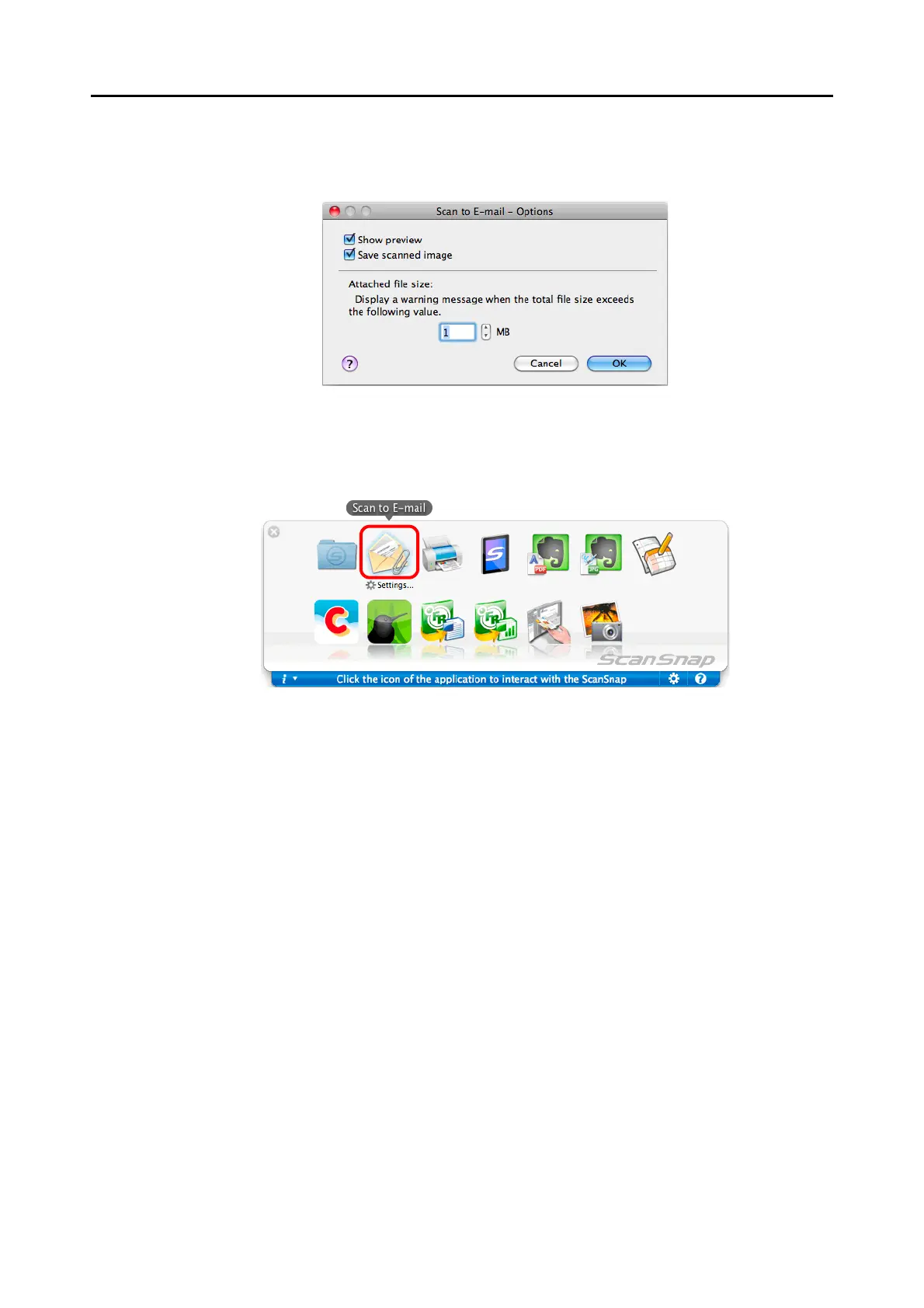
2. Change the settings.
For details about the [Scan to E-mail - Options] window, refer to the ScanSnap
Manager Help.
3. Click the [OK] button to close the [Scan to E-mail - Options] window.
5. Click the [Scan to E-mail] icon.
D The [Scan to E-mail] window appears.
If you clear the [Show preview] checkbox of the [Scan to E-mail - Options] window in
step 4., the [Scan to E-mail] window is not displayed. Instead, a new message
window appears with the file(s) attached.















 To Next Page