Actions (for Mac OS users)
305
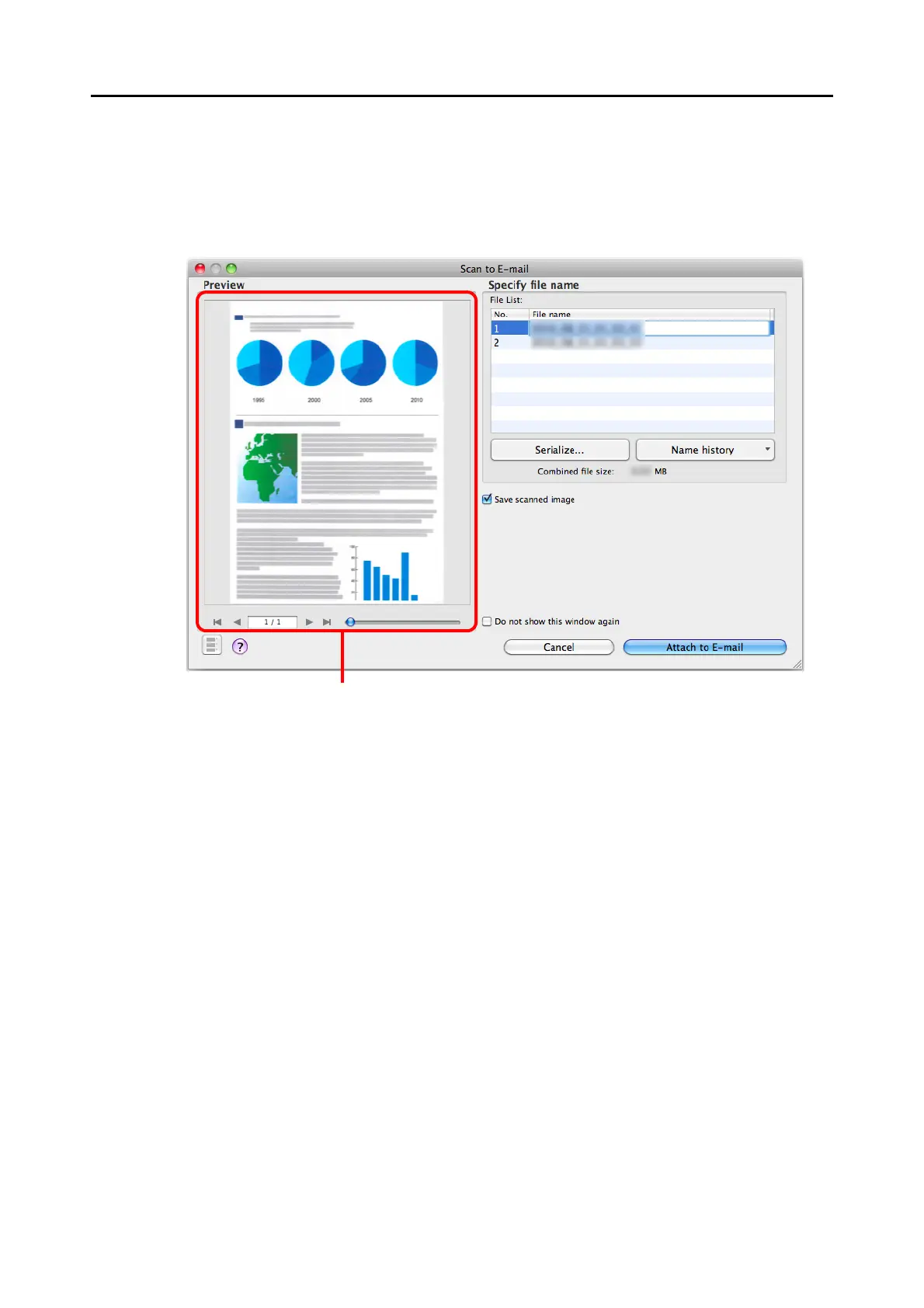
9. Check the scanned image in the preview area.
In the [Scan to E-mail] window, you can rename the file and decide whether to save the
scanned image in the folder specified for [Image saving folder] after sending it by e-mail.
For details about the [Scan to E-mail] window, refer to the ScanSnap Manager Help.















 To Next Page