Actions (for Mac OS users)
322
Using the Quick Menu
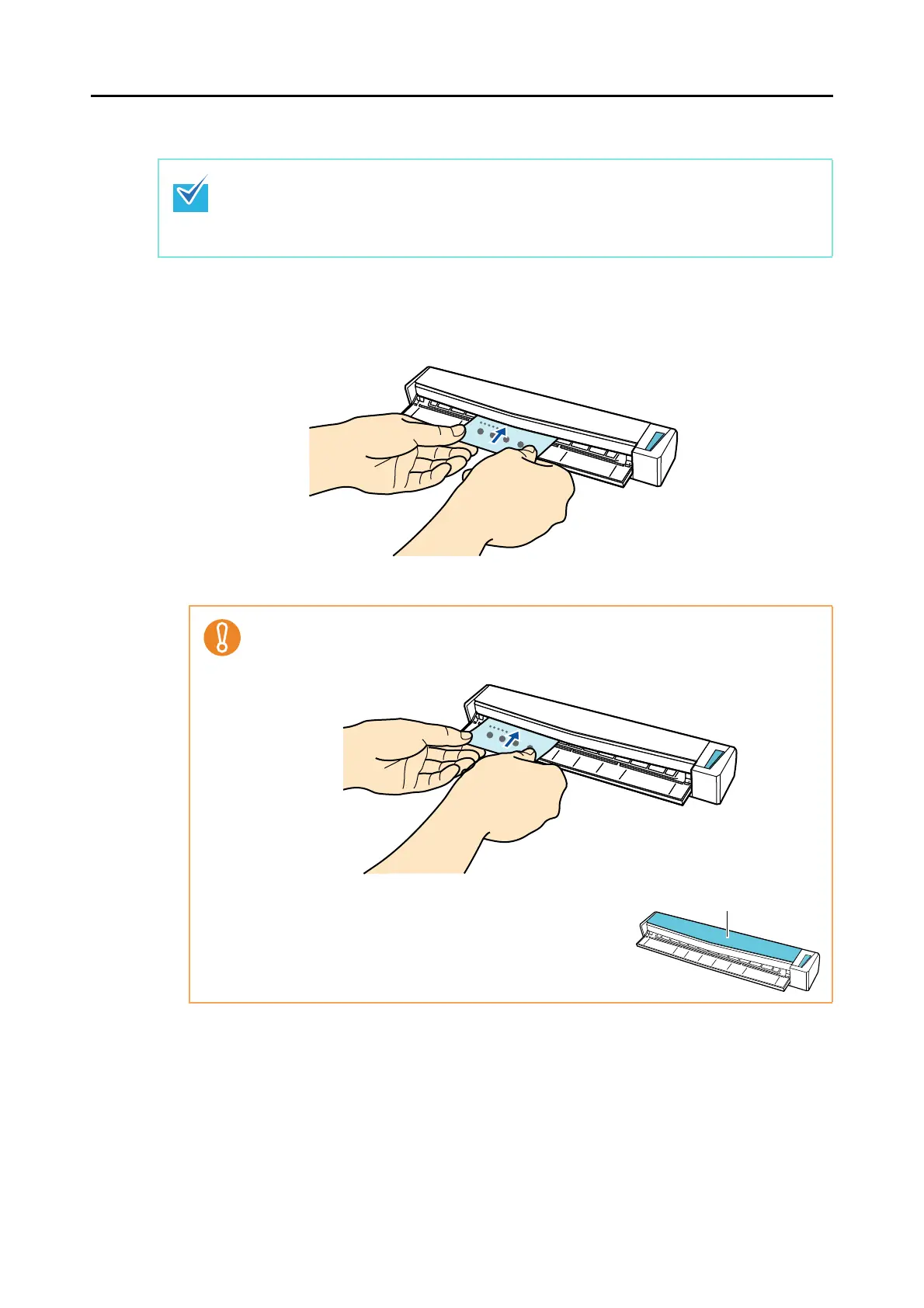
1. Insert the business card straight into the feeding section of the
ScanSnap, with the scanning side facing up.
D Business card is pulled in until it is set inside the ScanSnap.
To use the Quick Menu, you need to select the [Use Quick Menu] checkbox in the ScanSnap
setup window.
For details about how to perform scanning by using the Quick Menu, refer to "Using the Quick
Menu" (page 260).
z When [Business card] is specified for [Paper size] in the [Paper] tab of the ScanSnap
setup window, insert the business card by aligning it with the left edge of the feeding
section.
z If you perform a scan with the output guide open, a
paper jam may occur and damage business cards.
Make sure to close the output guide when you scan
business cards.















 To Next Page