Actions (for Mac OS users)
327
7. Press the [Scan/Stop] button on the ScanSnap to finish scanning.
D The Cardiris window appears.
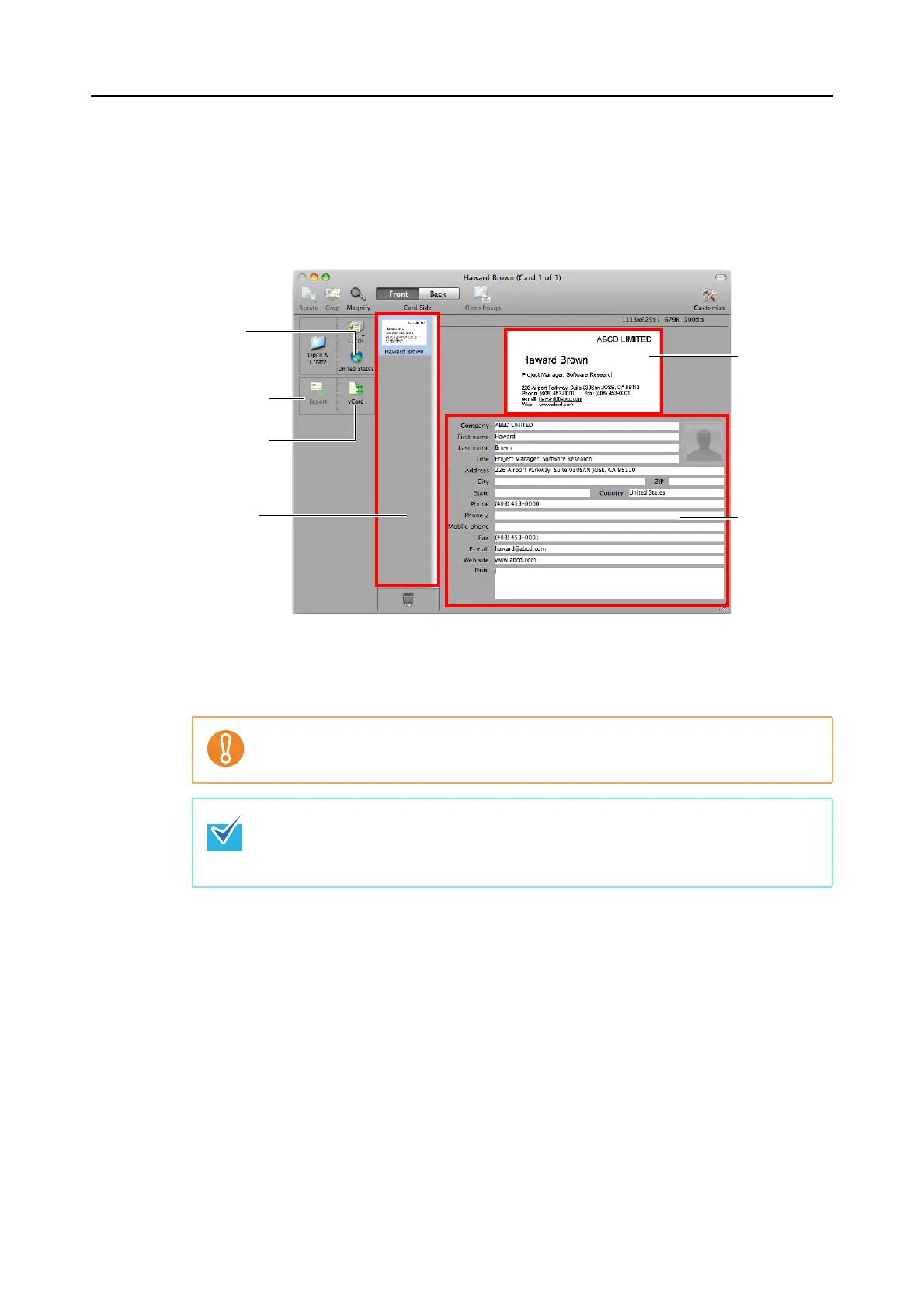
8. Check the scanned card image and the text recognition result.
The current card image is displayed on the top-right.
A list of already scanned business cards is displayed in the card toolbar.
The recognition result is displayed under the card image.
Do not exit Cardiris while setup or message window is open.
z To recognize a business card of a different language from the one currently set in
Cardiris, click the card style button and change the country setting.
z For details about functions of Cardiris and how to use it, refer to Cardiris™ 4 User
Guide and Cardiris Help.
Card Style
button
[Export] button
Output Format
button
Card Toolbar
Card image
Recognition
result















 To Next Page