Actions (for Mac OS users)
375
Automatic Linkage
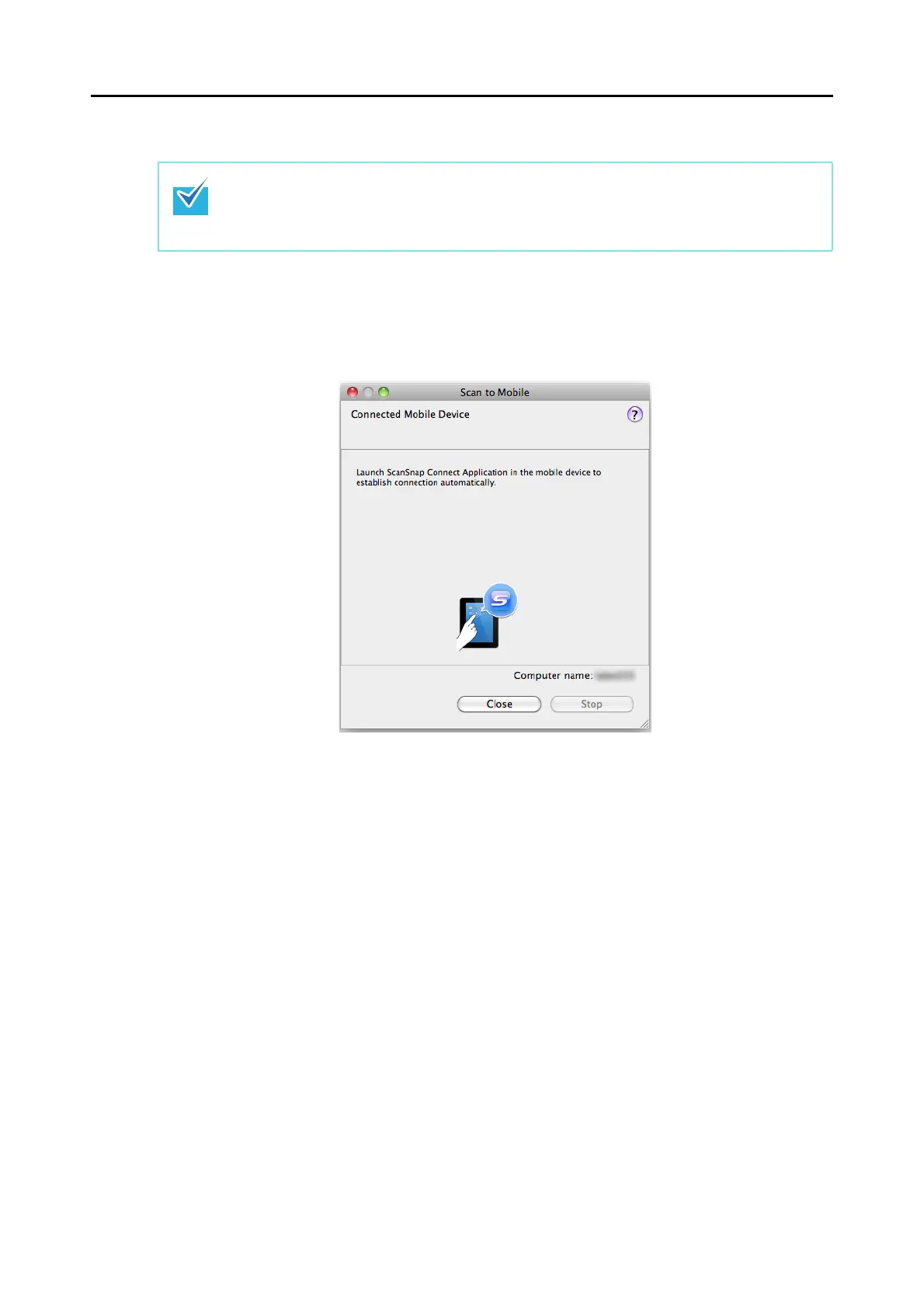
1. From Finder, select [Applications] and double-click [ScanSnap] → [Scan
to Mobile].
D The [Scan to Mobile] window appears.
z For details about the features of ScanSnap Connect Application for mobile devices and how
to use it, refer to the ScanSnap Connect Application User's Guide (iOS).
z For details about automatic linkage with active applications, refer to "Automatic Linkage with
Applications" (page 286).















 To Next Page