Actions (for Mac OS users)
379
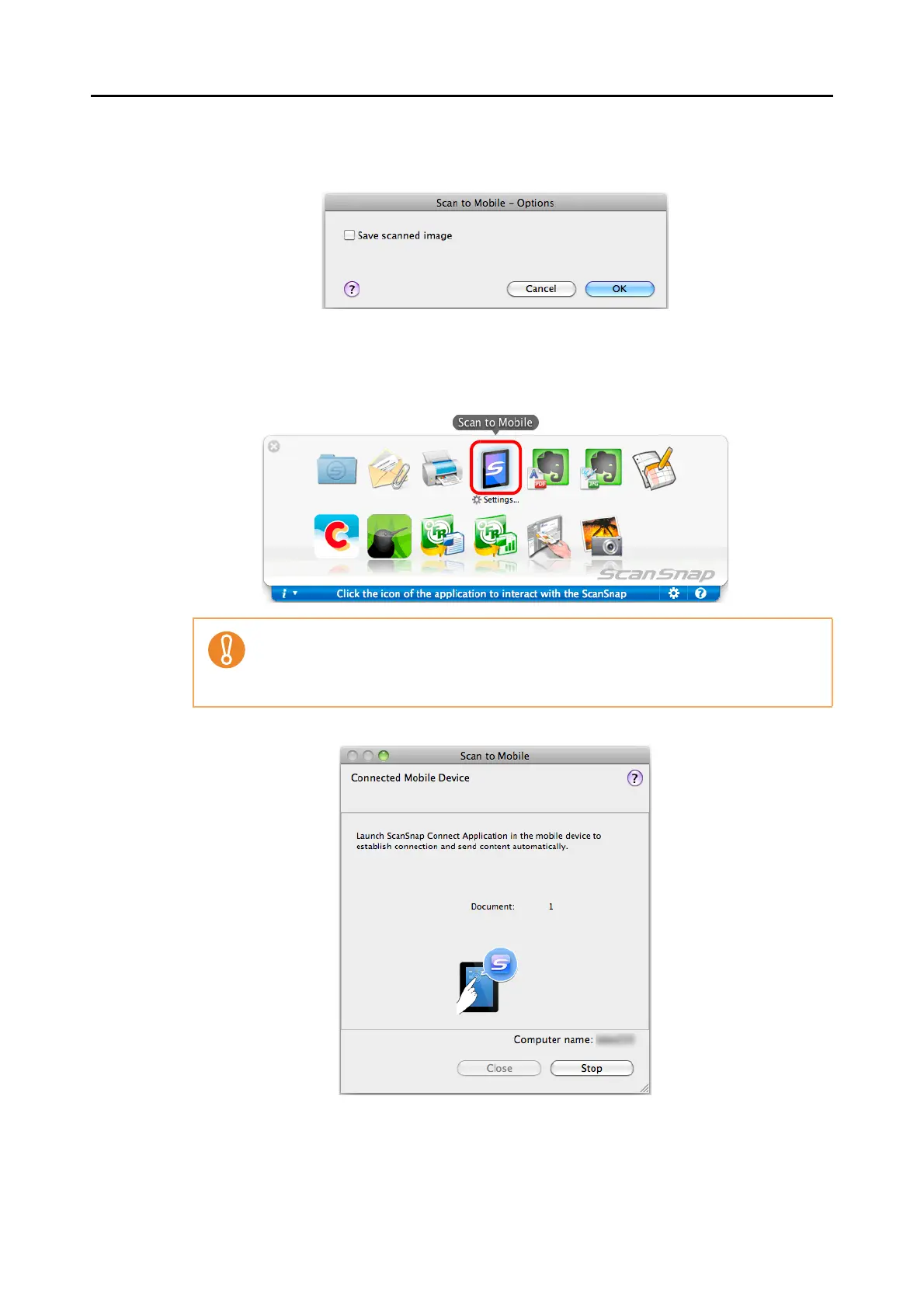
2. Change the setting.
For details about the [Scan to Mobile - Options] window, refer to the ScanSnap
Manager Help.
3. Click the [OK] button to close the [Scan to Mobile - Options] window.
5. Click the [Scan to Mobile] icon.
D The [Scan to Mobile] window appears.
z You cannot start scanning when the Quick Menu is displayed. Wait until ScanSnap
Manager links with [Scan to Mobile] before scanning another document.
z Do not move, delete, or rename the scanned image in other applications when the
Quick Menu is displayed.















 To Next Page