Actions (for Mac OS users)
385
Saving an Existing File to a Mobile Device
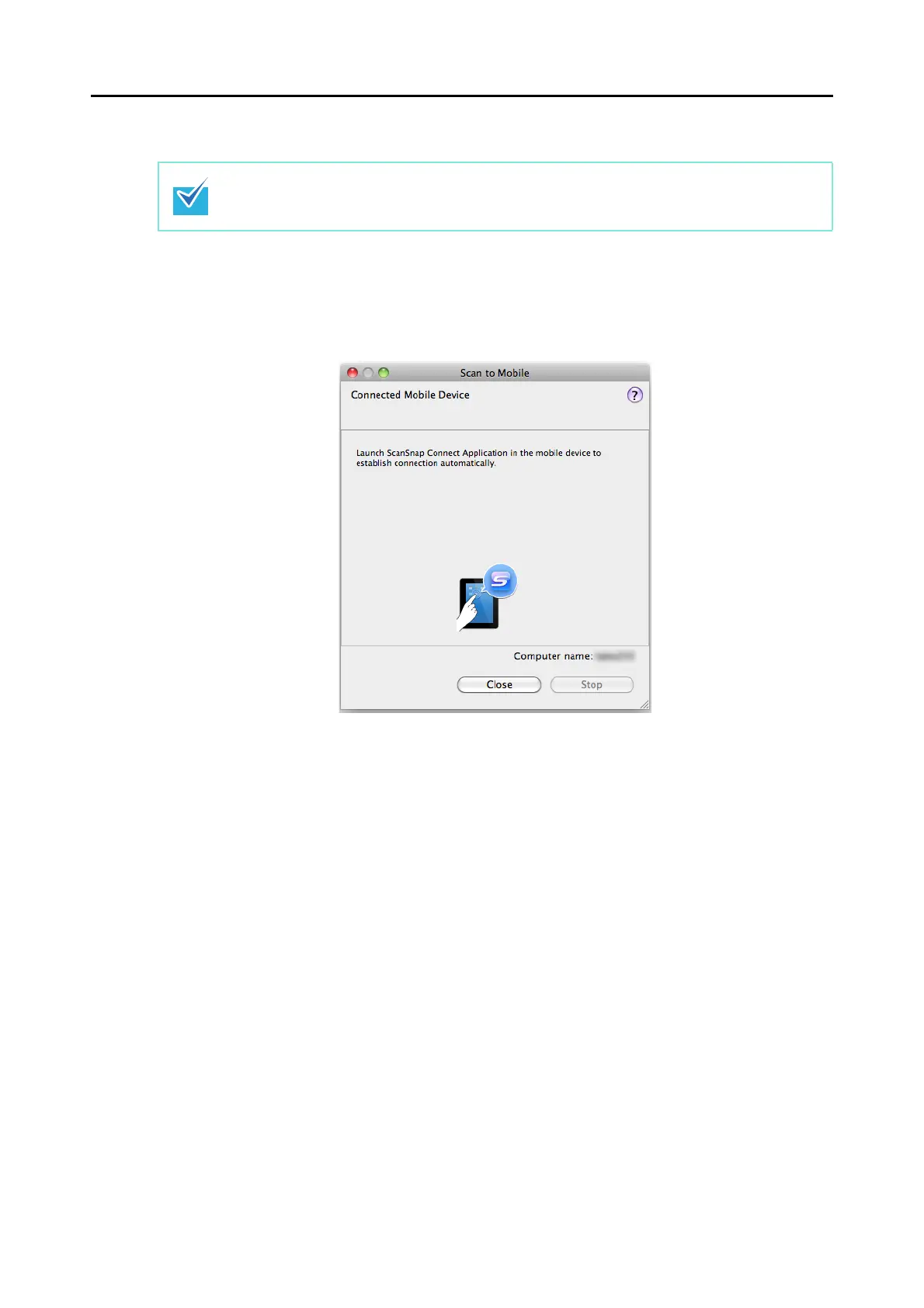
1. From Finder, select [Applications] and double-click [ScanSnap] → [Scan
to Mobile].
D The [Scan to Mobile] window appears.
For details about the features of ScanSnap Connect Application for mobile devices and how to
use it, refer to the ScanSnap Connect Application User's Guide (iOS).















 To Next Page