Using the ScanSnap in Various Ways (for Mac OS users)
406
2. Press the [Scan/Stop] button on the ScanSnap for 3 seconds or longer
until it flashes in blue.
D Scanning starts.
When you scan the first page as a long page and continue scanning, the next document
is also scanned as long page.
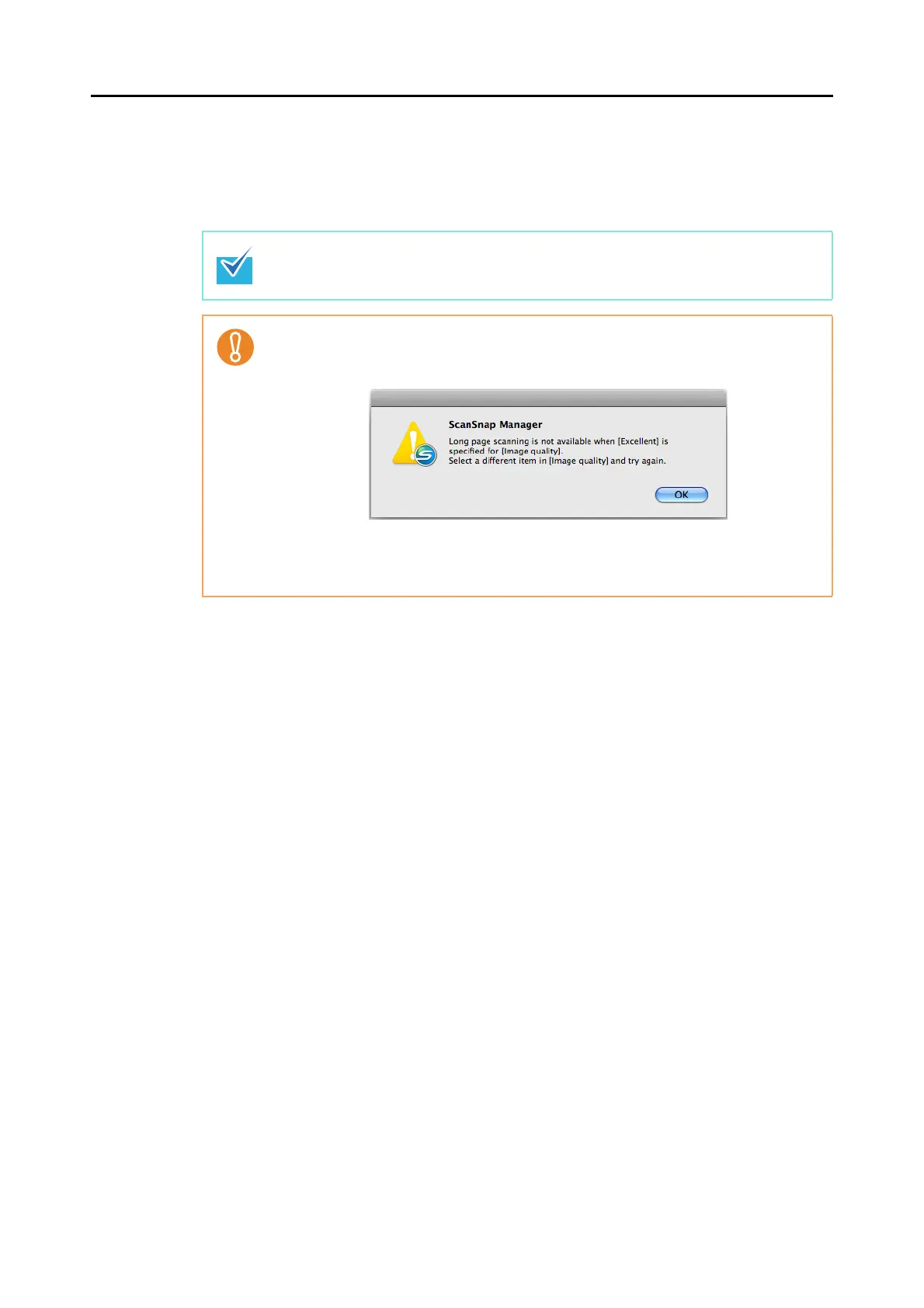
z The error message below appears and long page scanning is disabled when
[Excellent] is selected in the [Image quality] pop-up menu in the [Scanning] tab of the
ScanSnap setup window.
z When you perform a long page scan, the setting for [Paper size] in the [Paper] tab of
the ScanSnap setup window automatically switches to [Automatic detection]. The
current settings are used for other scan settings.















 To Next Page