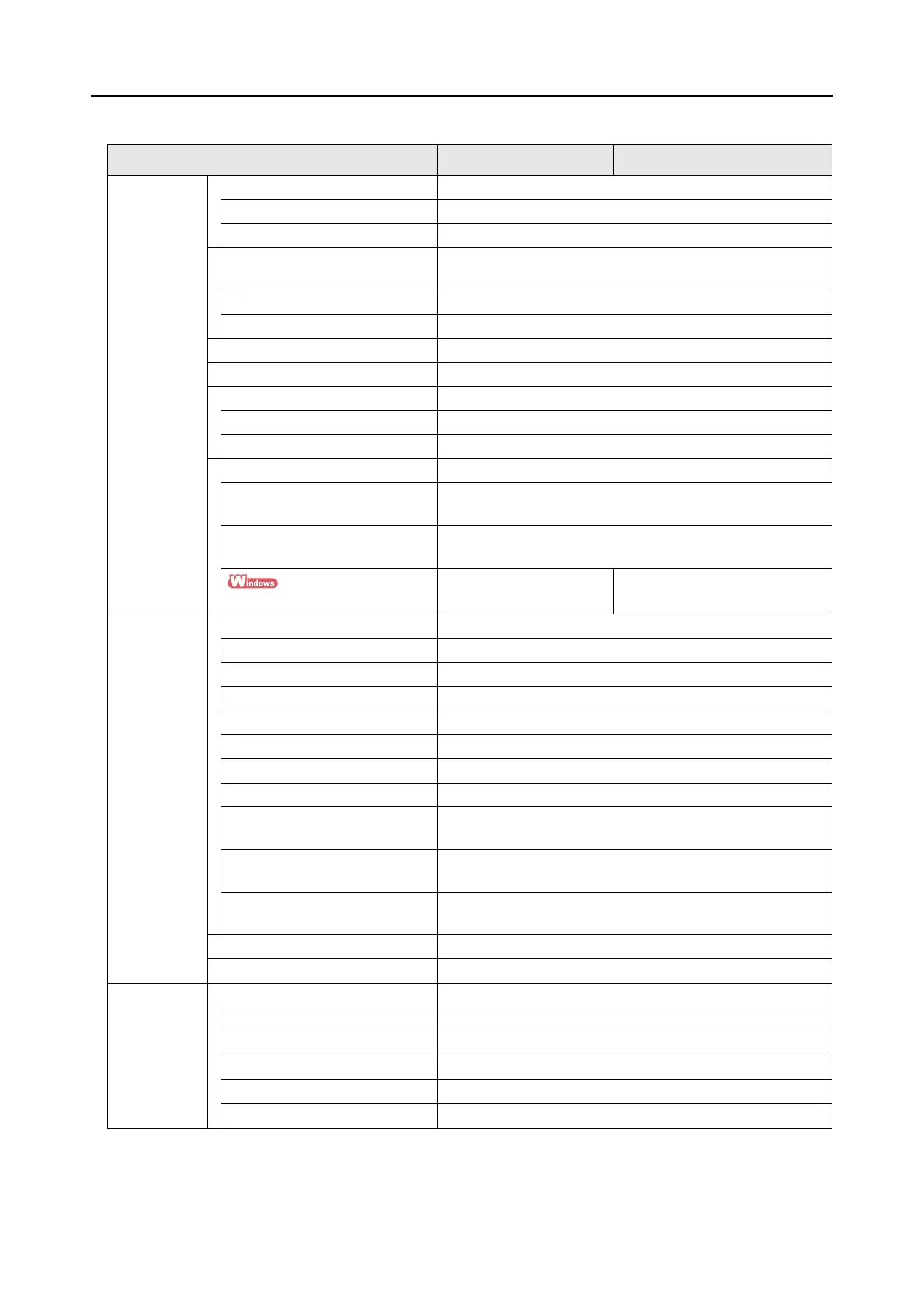
Setting Items With/Without the Quick Menu
441
* : When using the Quick Menu, you can start an application to link with ScanSnap Manager from
the Quick Menu after scanning. Therefore, the [Application] tab is not displayed.
File option File format OK
PDF (*.pdf) OK
JPEG (*.jpg) OK
Set the marked text as a keyword
for the PDF file
OK
First marked section OK
All marked sections OK
Convert to Searchable PDF OK
Language OK
Target pages OK
First page OK
All pages OK
Option OK
Multipage PDF (whole batch in
one PDF)
OK
Generate one PDF file per (n)
page(s)
OK
Set a password for PDF file
NA OK
Paper Paper size OK
Automatic detection OK
A4 (210 × 297 mm) OK
A5 (148 × 210 mm) OK
A6 (105 × 148 mm) OK
B5 (JIS) (182 × 257mm) OK
B6 (JIS) (128 × 182mm) OK
Post card (100 × 148 mm) OK
Business card (90 × 55 mm, 55 ×
90 mm)
OK
Letter
(8.5 × 11 in. (216 × 279.4 mm))
OK
Legal
(8.5 × 14 in. (216 × 355.6 mm))
OK
Customize OK
Carrier Sheet Settings OK
Compression Compression rate OK
1OK
2OK
3OK
4OK
5OK
Setting Items With/Without the Quick Menu
Setting Item Using the Quick Menu Without Using the Quick Menu















 To Next Page