Installing in Mac OS
56
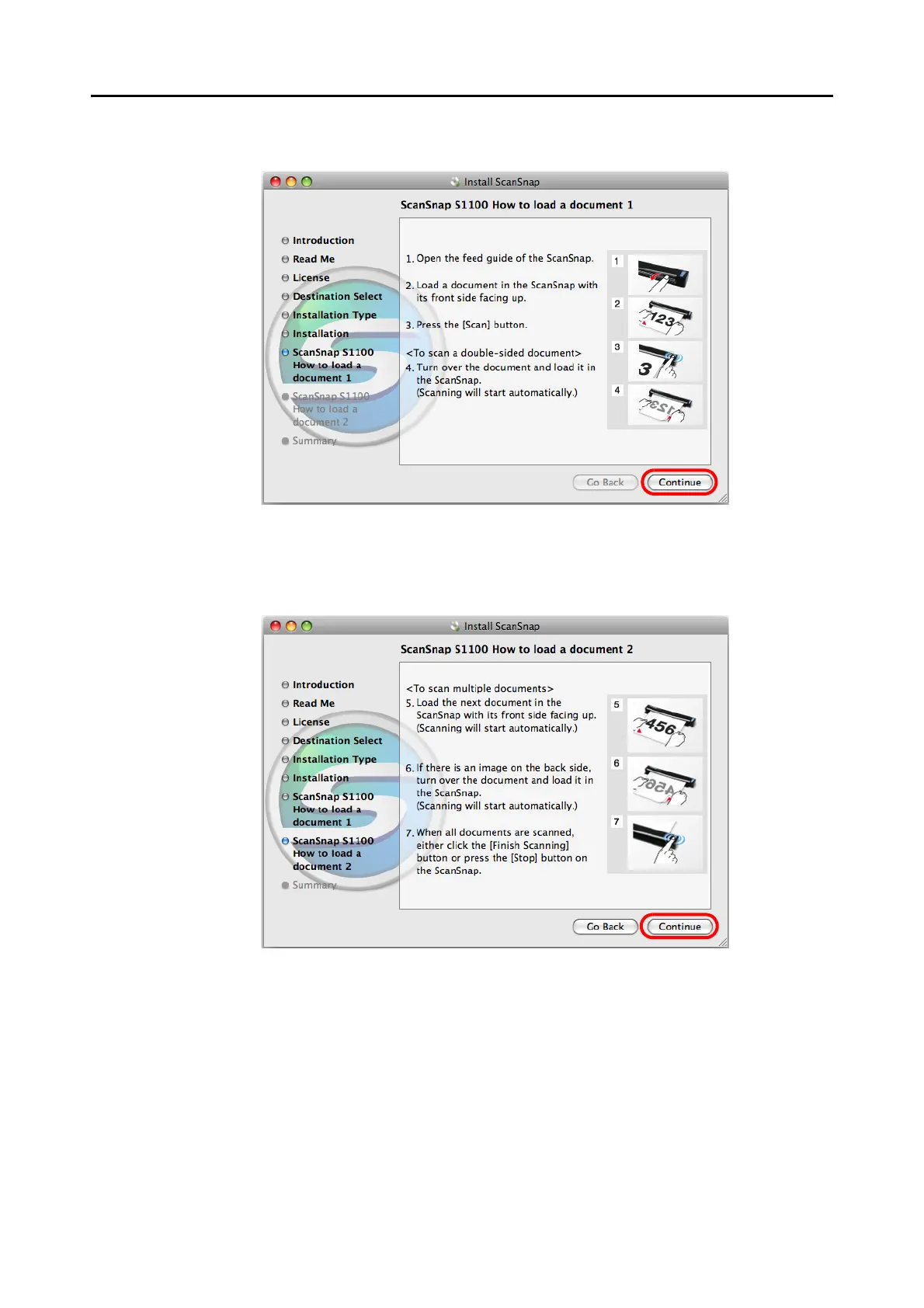
13.Read the instructions and click the [Continue] button.
D The [ScanSnap S1100 How to load a document 2] screen appears.
14.Read the instructions and click the [Continue] button.
D The [The installation was completed successfully.] screen appears.
15.Click the [Close] button.
16.Remove the Setup DVD-ROM from the DVD-ROM drive.















 To Next Page