4.1 Using ScanSnap Manager
ScanSnap S500 Operator's Guide 105
Various settings according to your needs
4
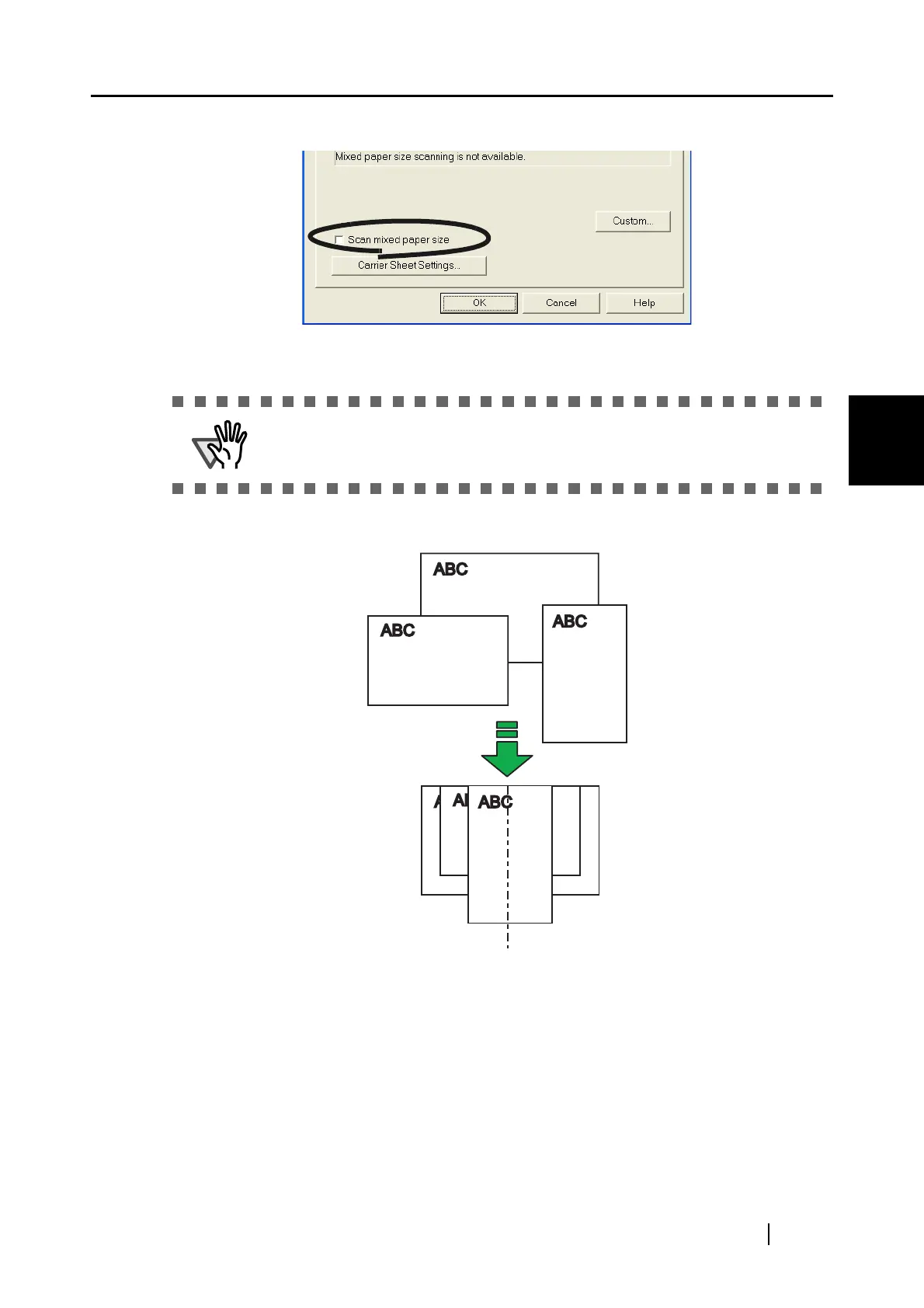
3. Mark the "Scan mixed paper size" checkbox.
4. Click the [OK] button to close all the windows opened.
5. Align the edge of all documents.
This function is available only when "Automatic detection" is selected from the
"Paper size" drop-down menu.



 To Next Page
 Loading...













