1. OPERATION
1-2
How to remove the cover
Pull down on the catch at the bottom of the cover and
pull the cover toward you.
How to cover the connector caps
Cover the connectors that are not used with the sup-
plied connector caps to keep dust out of terminals.The caps are attached to each port
on the back of the main unit.
1.2 Turning The Power On/Off
1. Press the key to turn on the power. The unit beeps then the startup screen
appears.
2. To turn off the power, press and hold the key for more than three seconds.
The time remaining until the power is turned off is counted down on the screen.
1.3 Display Brilliance/Panel Dimmer
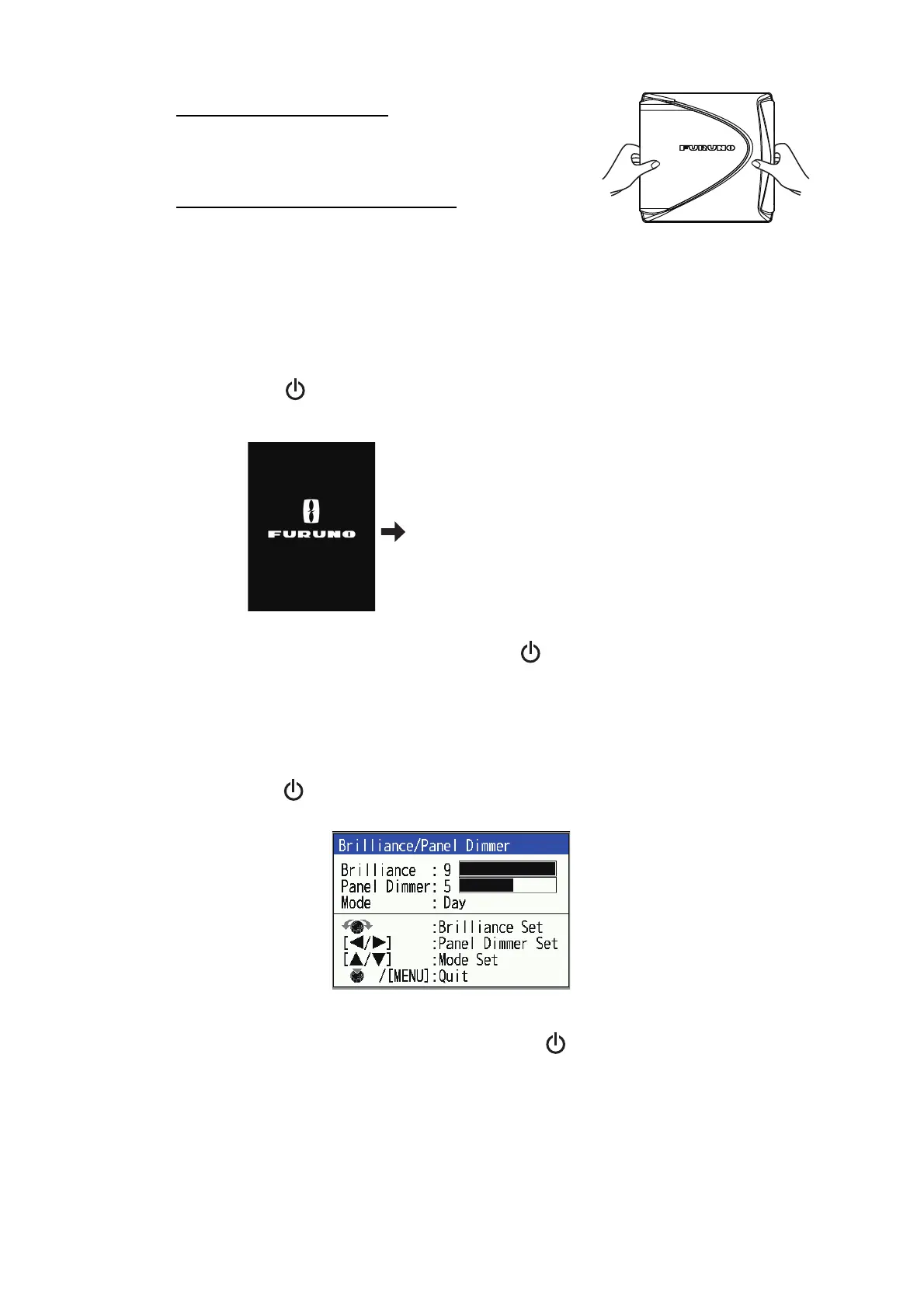
1. Press the key to show the [Brilliance/ Panel Dimmer] adjustment window. The
window automatically closes if there is no key operation for approx. six seconds.
2. Adjust the brilliance/panel dimmer.
• Brilliance: Rotate the KNOB or press the key (setting range: 0 to 9).
• Panel Dimmer: Use or to adjust the panel dimmer (setting range: 0 to 9).
3. Press the KNOB or MENU/ESC key to close the window.
Start-up screen
Wait 3-5 seconds, or press any key
to show the window that was in use
before the power was turned off.



 To Next Page