1. OPERATION
1-20
1.13 How to Reduce Low Level Noise
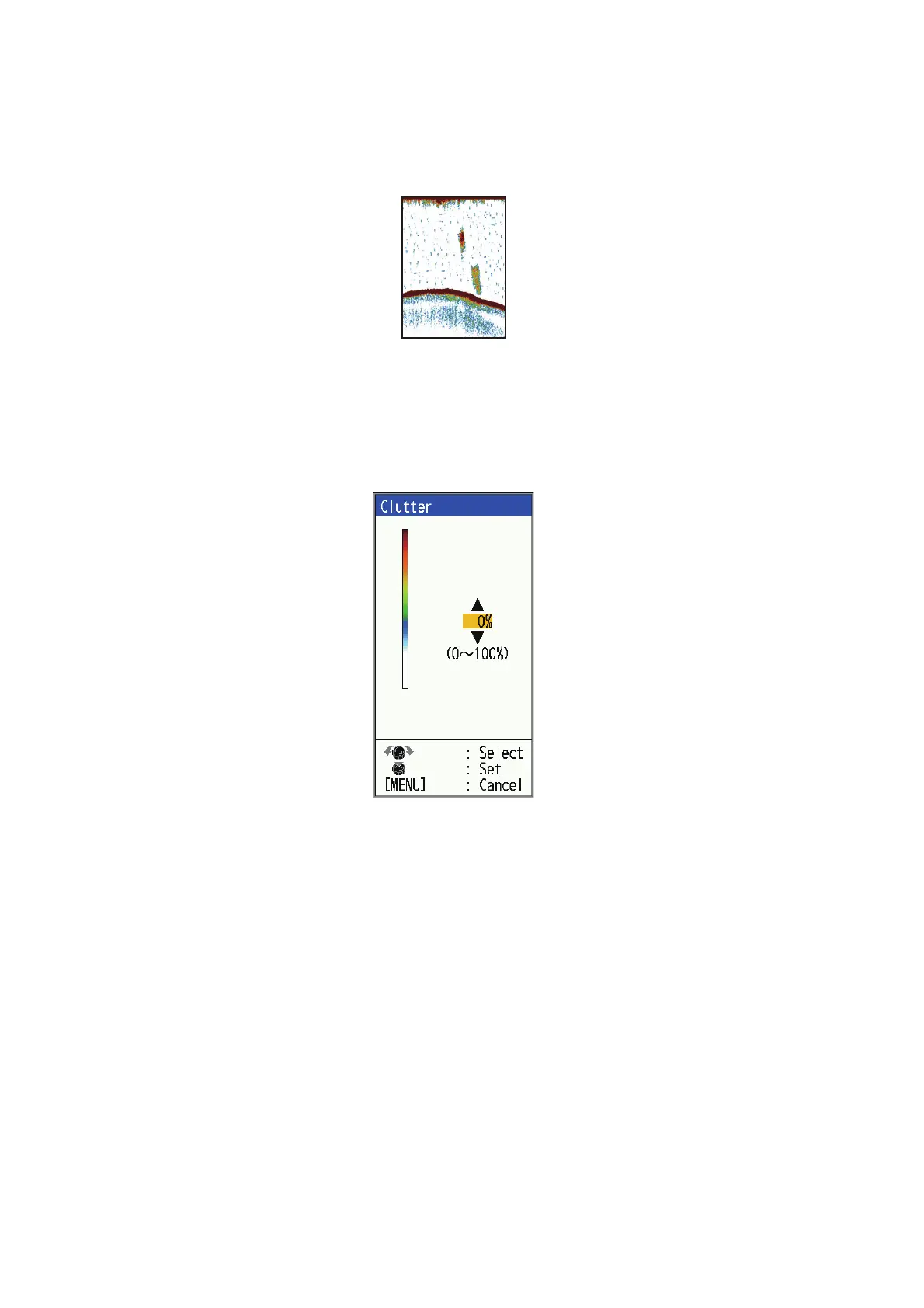
Low intensity "speckles," caused by sediments in the water or noise, may appear over
most of screen. These speckles can be suppressed by adjusting the [Clutter].
Note: [Clutter] cannot be adjusted when [Fishing] or [Cruising] is selected on the [Auto
Gain] setting window.
1. Press the MENU/ESC key to open the menu.
2. Select [Sounder], then press the KNOB.
3. Select [Clutter], then press the KNOB.
4. Select the degree of clutter reduction desired, then press the KNOB. The setting
range is 0% to 100% in intervals of ten. The larger the setting value, the greater
the degree of reduction.
5. Press the MENU/ESC key twice to close the window.



 To Next Page