1. OPERATION
1-21
1
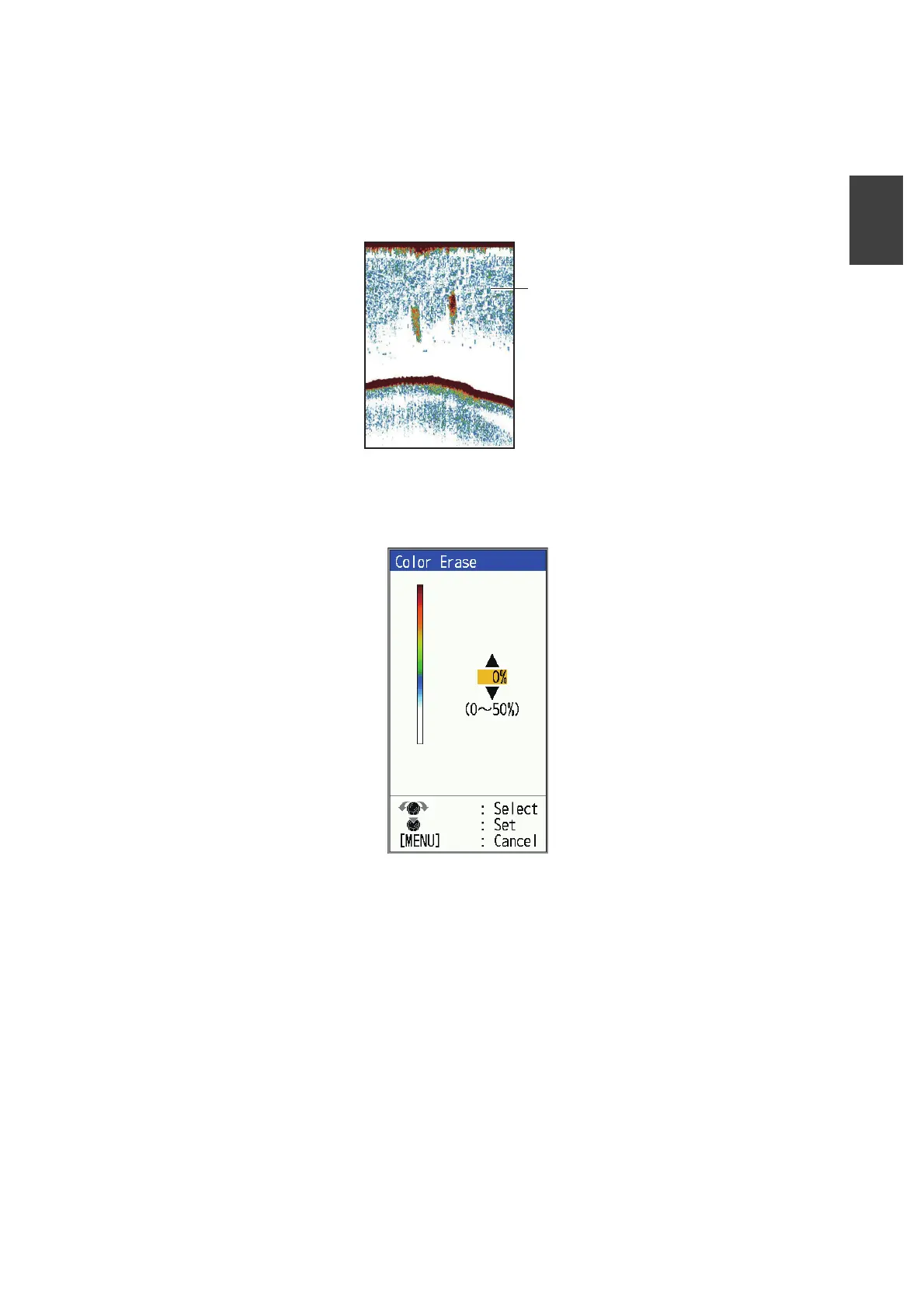
1.14 How to Erase Weak Echoes
Sediment in the water or reflections from plankton may be painted on the display in
low intensity tones. These weak echoes may be erased by using the [Color Erase] fea-
ture. This feature erases weaker echoes sequentially to show only strong echoes and
clear the picture.
1. Press the MENU/ESC key to open the menu.
2. Select [Sounder], then press the KNOB.
3. Select [Color Erase], then press the KNOB.
4. Select the color to erase, then press the KNOB. The setting range is 0 to 50% in
intervals of one per cent. The larger the setting value, the greater the number of
colors that are erased.
5. Press the MENU/ESC key twice to close the window.
Weak
echoes



 To Next Page