2-1
2
2. SYSTEM MENU
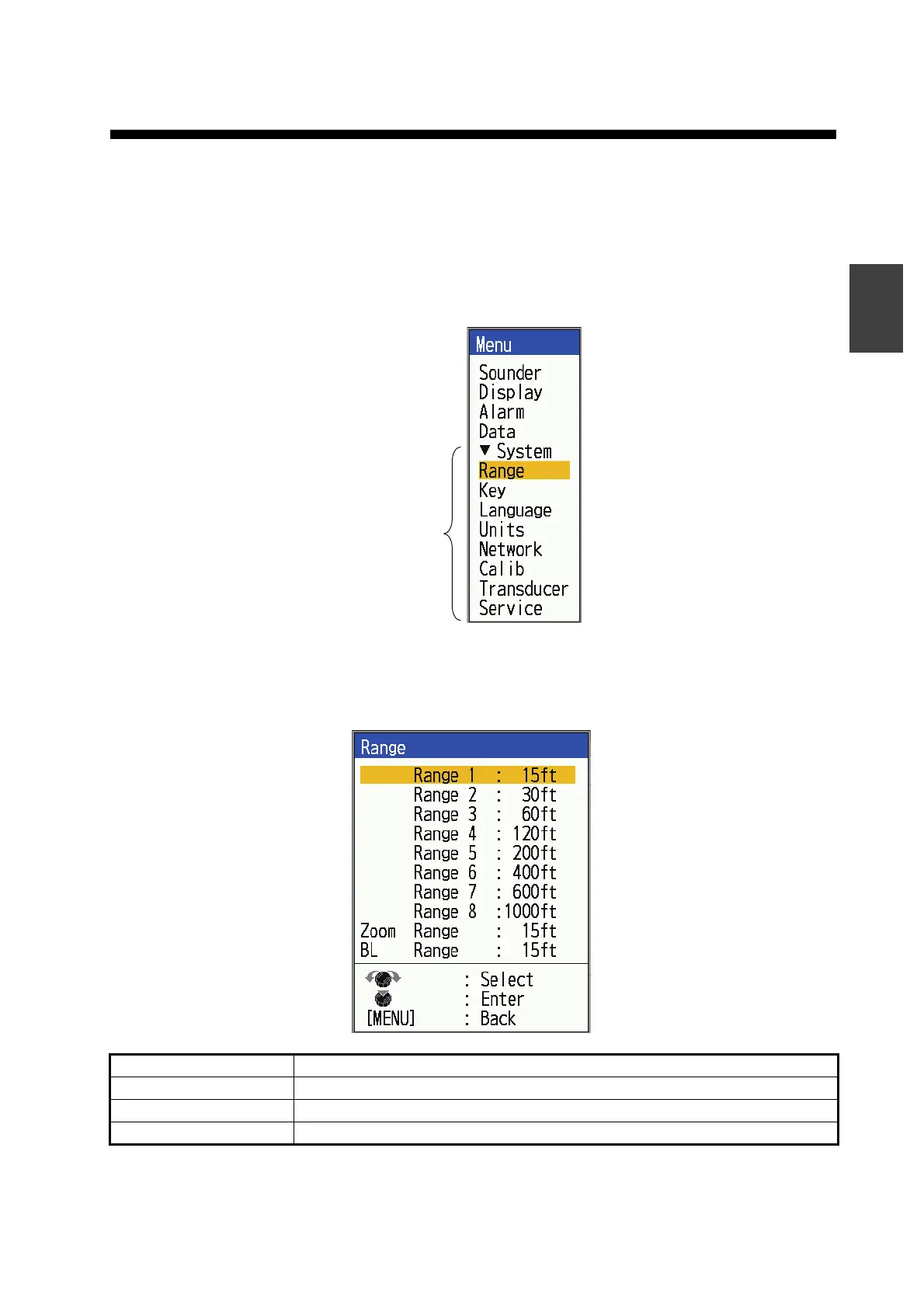
2.1 How to Display the System Menu
The [System] menu mainly consists of items which do not require regular adjustment.
1. Press the MENU/ESC key to open the menu.
2. Rotate the KNOB to show the [System] menu.
2.2 [Range] Menu
Menu Item Description
[Range 1] - [Range 8] Set range of each of the eight ranges (available range: 7 to 4,000 ft).
[Zoom Range] Select the range to zoom in the bottom zoom and marker zoom.
[BL Range] Select the expansion width for the bottom lock display.



 To Next Page