3. MAINTENANCE, TROUBLESHOOTING
3-7
3
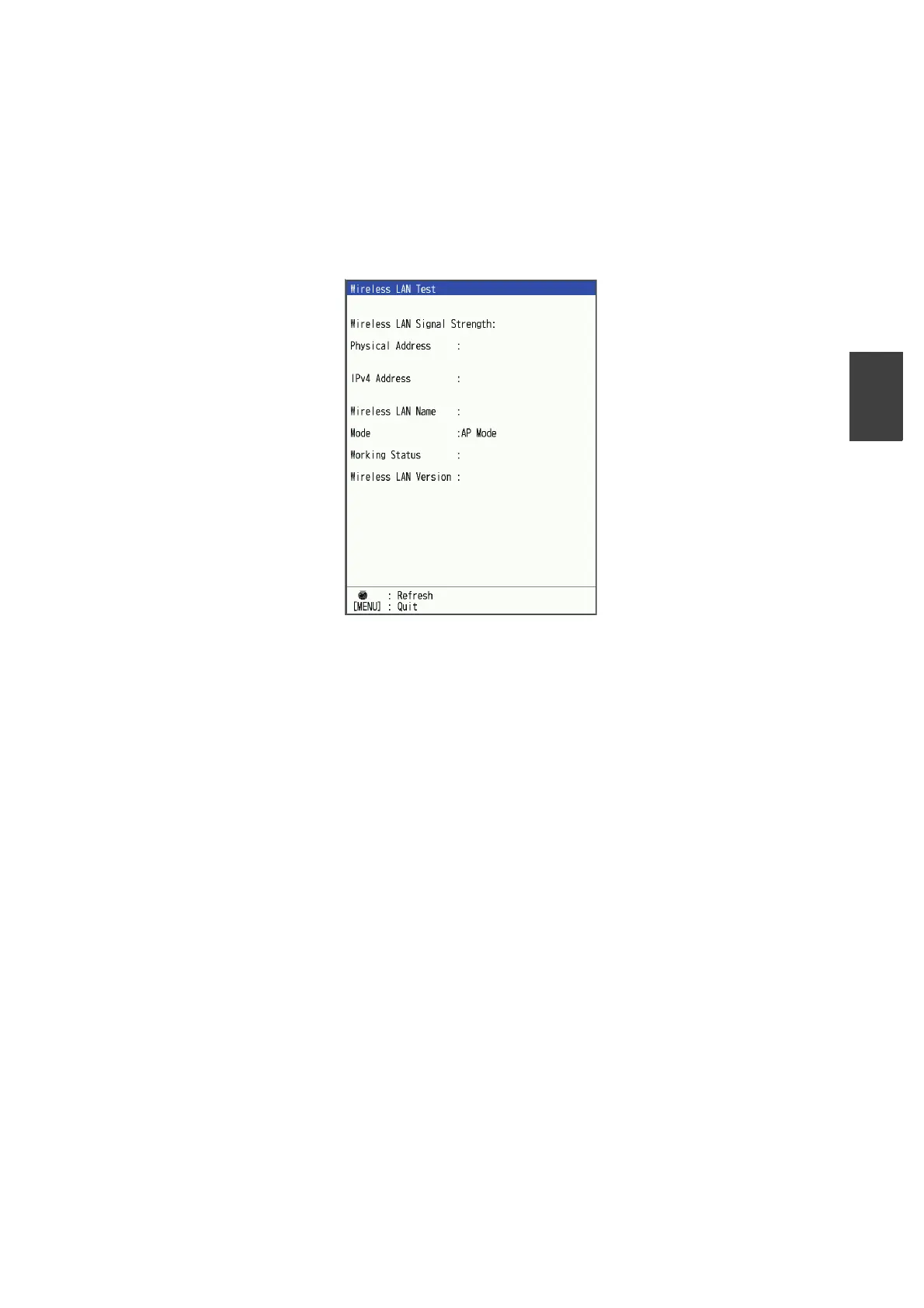
3.7 Wireless LAN Test
The wireless LAN test checks the unit’s wireless module.
1. Press the MENU/ESC key to open the menu.
2. Select [Service], then press the KNOB.
3. Select [Wireless LAN Test], then press the KNOB.
The test result will be displayed.
Note: Press the KNOB to refresh the latest information.
4. Press the MENU/ESC key twice to close the window.
-37dBm
54-F8-2A-02-3B-20
172. 31. 0. 100
Rooter
Network Up
X. X. X-XXX



 To Next Page