1. OPERATION
1-11
1
11. Select [Left Disp Select], then press the KNOB.
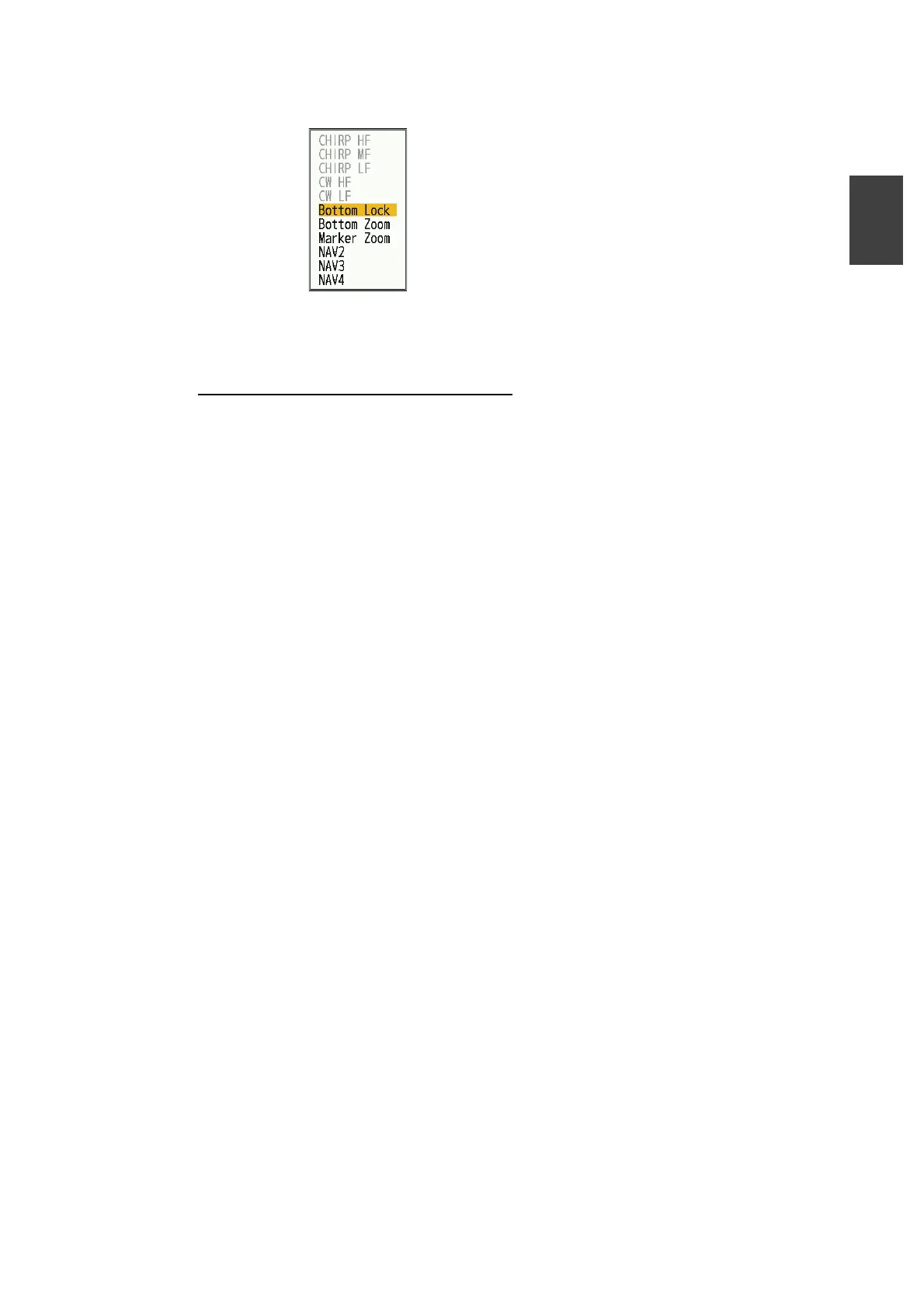
12. Select the display to be shown on left side of the window, then press the KNOB.
13. Press the MENU/ESC key twice to close the window.
How to turn off unused display mode
The display modes from Mode 2 to Mode 7 can be turned off. Once set to off, the dis-
play modes are skipped when the [Mode] key is pressed. For example, if mode 3 is
set to off, pressing the Mode] key will switch between
mode1mode2mode4mode5...etc.
1. Press the MENU/ESC key to open the menu.
2. Select [Display], then press the KNOB.
3. Select [Disp Mode Config], then press the KNOB.
4. Select the mode to turn off (except mode1), then press the KNOB.
5. Select [Disp Setting], then press the KNOB.
6. Select [Off], then press the KNOB.
7. Press the MENU/ESC key twice to close the window.
CHIRP: CHIRP transducer
CW: CW transducer
HF: High frequency
MF: Medium frequency
LF: Low freguency
NAV2: 2-data navigation display
NAV3: 3-data navigation display
NAV4: 4-data navigation display



 To Next Page