1. OPERATION
1-28
About the bottom discrimination display
• The bottom discrimination display provides an estimate of bottom composition. Ac-
tual composition may be different.
• The high and low frequencies are alternately transmitted, regardless of current dis-
play selection. The TX interval is slower when this feature is active.
• Operating environment:
- Depth: 16 to 328 ft (5m to 100m)
- Speed: 10 knots or less
• This feature uses the range from the boat’s draft; therefore, enter the ship’s draft.
See page 2-7.
• Be sure that the transducer is mounted straight. Otherwise the bottom discrimina-
tion display may not function accurately in case of high waves.
• If there are large fish or schools of fish near the seabed directly below the transduc-
er beam, the discrimination results may not match with the actual result.
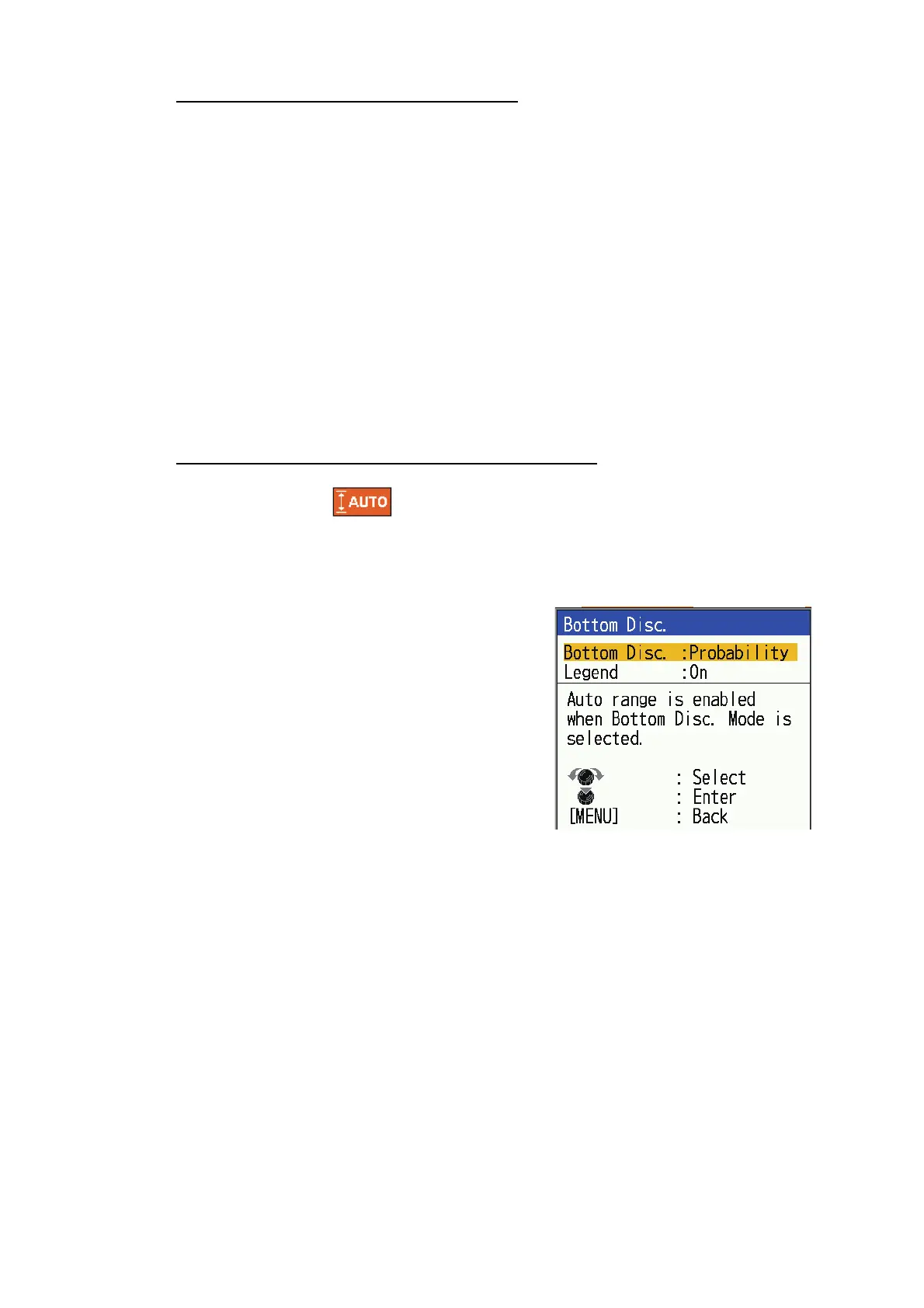
How to activate the bottom discrimination display
Note 1: Auto range ( ) is automatically turned on when the bottom discrimina-
tion display is activated.
Note 2: This operation cannot be performed if a bottom discrimination compatible
transducer is not set up.
1. Press the MENU/ESC key to open the
menu.
2. Select [Display], then press the KNOB.
3. Select [Bottom Disc.], then press the KNOB.
4. Select [Bottom Disc.], then press the KNOB.
5. Select [Graphic] or [Probability], then press
the KNOB.
6. Select [Legend], then press the KNOB.
7. Select [Off] or [On], then press the KNOB.
8. Press the MENU/ESC key twice to close the window.
Note: To turn off the bottom discrimination display, select [Off] at step 5, then press
the KNOB.



 To Next Page