1. OPERATION
1-49
1
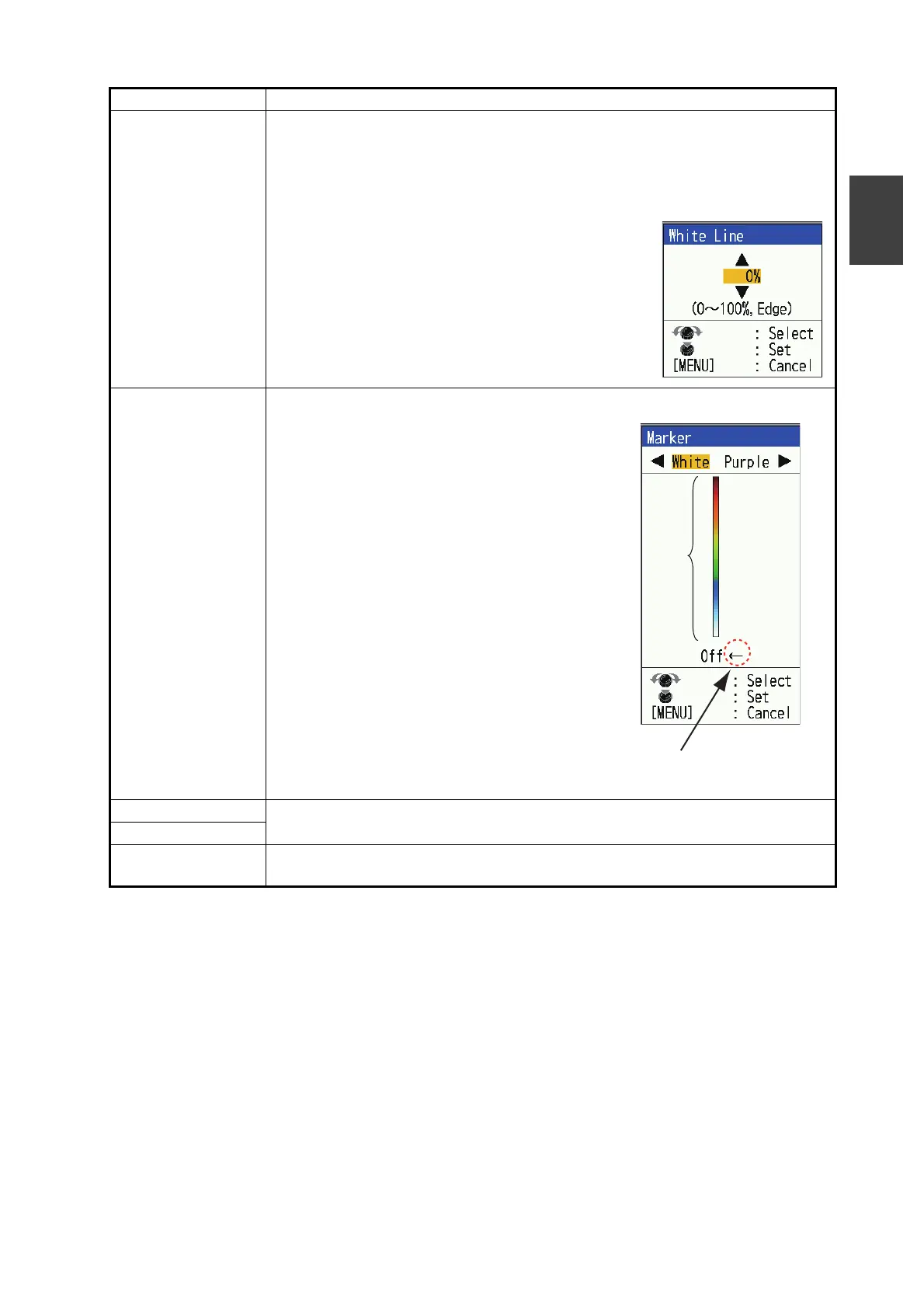
[White Line] The white line function makes it easy to distinguish between bottom fish from
the seabed. The strongest colors (seabed, large schools of fish, dense
schools of fish, etc.) are shown with a white outline. Not only is it useful for
identifying seabed and bottom fish but also to determine the density of the fish
school.
1) Select [White Line], then press the KNOB.
2) Set the width.
The larger the number the greater the width of
the line. Select [Edge] to show the contour of the
bottom in white.
3) Press the KNOB.
[Marker] Display the selected echo color in white.
1) Select [Marker], then press the KNOB.
2) Press or key to select [White] or [Pur-
ple].
3) Use or key or rotate the KNOB to se-
lect color desired. For example, move the
arrow to the top of the color bar to display
the bottom echo in white. The echo color
chosen on the color bar is changed to white.
That color is also white on the color bar.
4) Press the KNOB.
Note: To change from white (or purple) to the
original color, move the arrow to the bottom
[Off], then press the KNOB.
[TVG Distance] See section 1.20.
[TVG Level]
[Smoothing] Smooth echo presentation when enabled. Turn smoothing to [On] when
echoes appear "spotty" or “jagged”.
Menu item Description
Color
bar
Select echo color displayed
in white or purple.



 To Next Page