3. MAINTENANCE, TROUBLESHOOTING
3-5
3
*1
: For FCV-600
*2
: For FCV-800
4. Check the keys and the KNOB.
1) Press the key or the KNOB.
Each time a key or knob is pressed a tone sounds and the knob’s correspond-
ing on-screen circle "lights" in red if the knob is normal.
2) Rotate the KNOB.
The knob’s corresponding on-screen circle "lights" in red if the knob is normal.
5. To quit the test, press the MENU/ESC key three times to close the test menu.
6. Press the MENU/ESC key twice to close the window.
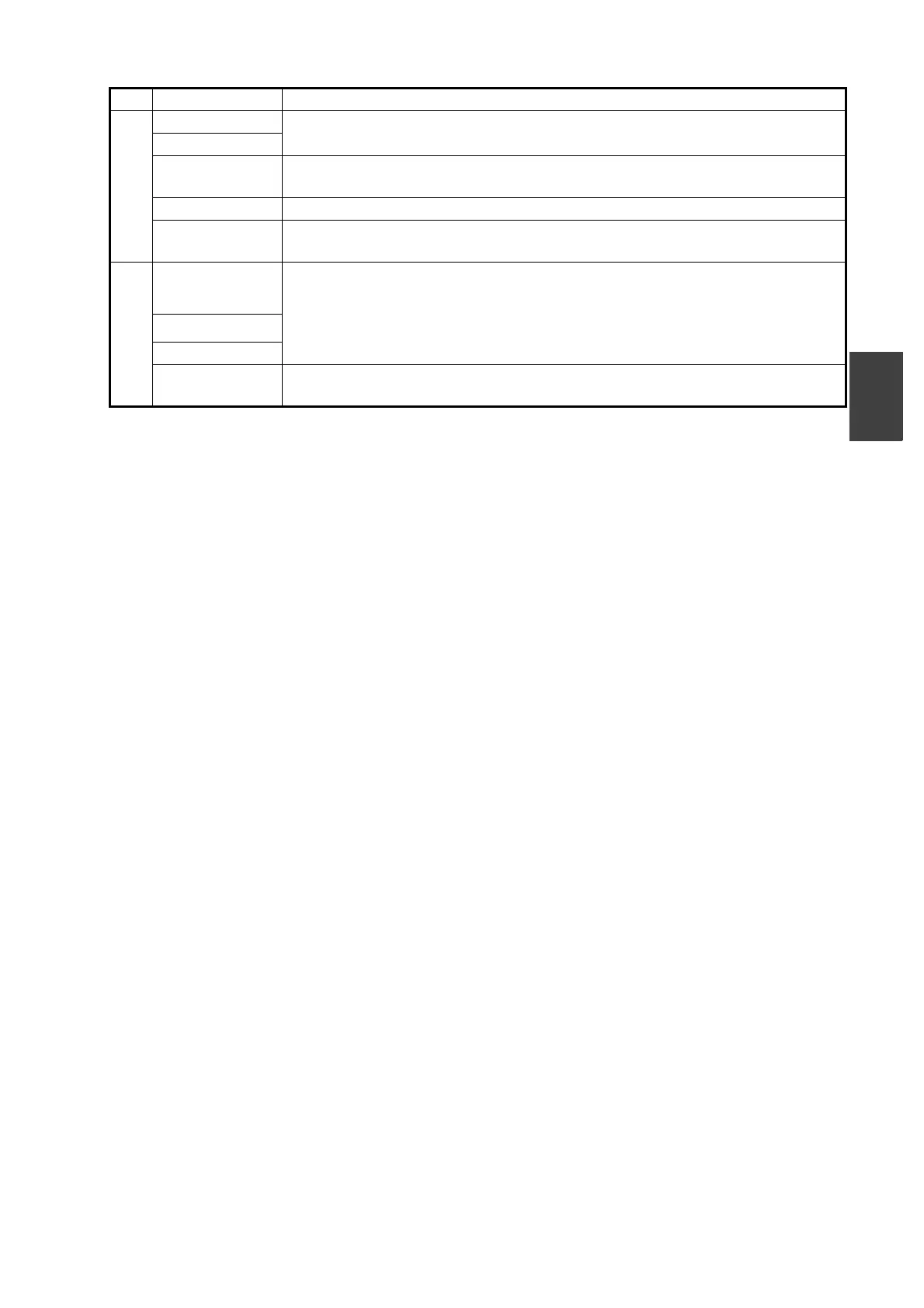
No. Test item Content
1
ROM "OK" is shown if check is normal; "NG" for error.
SDRAM
NMEA1
*2
Reserved for factory use. Special connector required. Nothing appears un-
less the connector is used.
CAN "OK" is shown if check is normal; "NG" for error.
USB Export the menu setting values to a USB flash memory. "OK" is shown if the
USB is inserted correctly, "---" is shown for error.
2
Water temp.
*1
/
Water temp.1
*2
Water temp. and speed from the respective sensors. Updated every three
seconds. Displayed as "--.-" for error.
Water temp.2
*2
Speed
Power Voltage of power source. Updated every three seconds. Displayed as "--.-"
for error.



 To Next Page