Route planning •
••
• 225
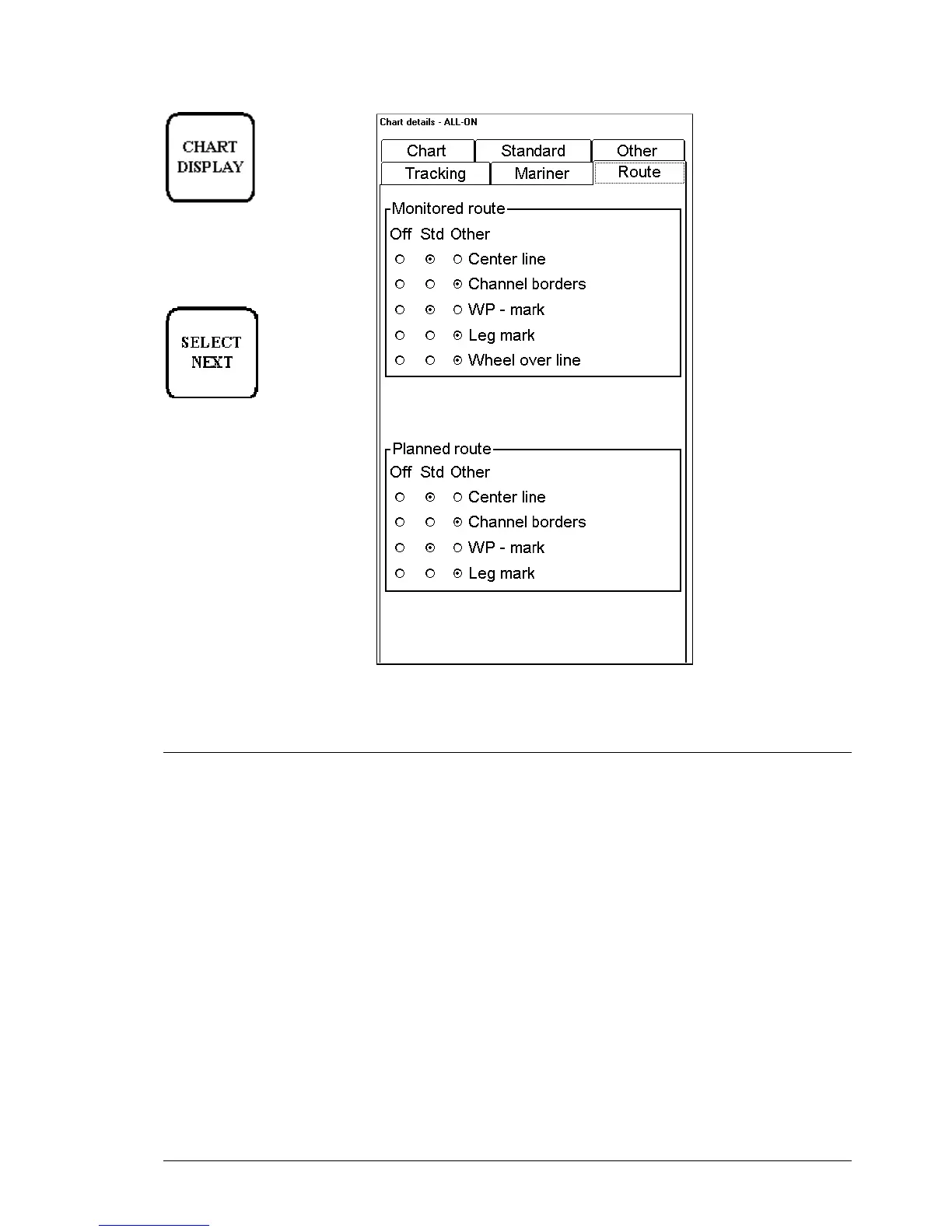
Chart details dialog box
appear when user press
CHART DISPLAY push
button. To select between
different sheets to be opened
either press button
or go by cursor above
desired sheet's text and press
SELECT
Wp-marks enables display of WP's number on the Electronic chart area.
Leg marks enable display of planned speed and Course to Steer, which were defined during route planning, on the
Electronic chart area.
Select datum
Selection of datum is very important, if you manually enter latitude-longitude positions from the control panel or
keyboard or if you use digitizer. If you only operate with cursor to add and to modify waypoint locations, then you
could use any datum, although it is recommended to use native datum of the chart. For more information to select
datum, see chapter "Datum".



 To Next Page
 Loading...








