226 •
••
• Route planning
How to create a new route
Create a new route
If you want create a new route, proceed as follows:
1. Press Route Plan push button.
2. Select Create from the menu.
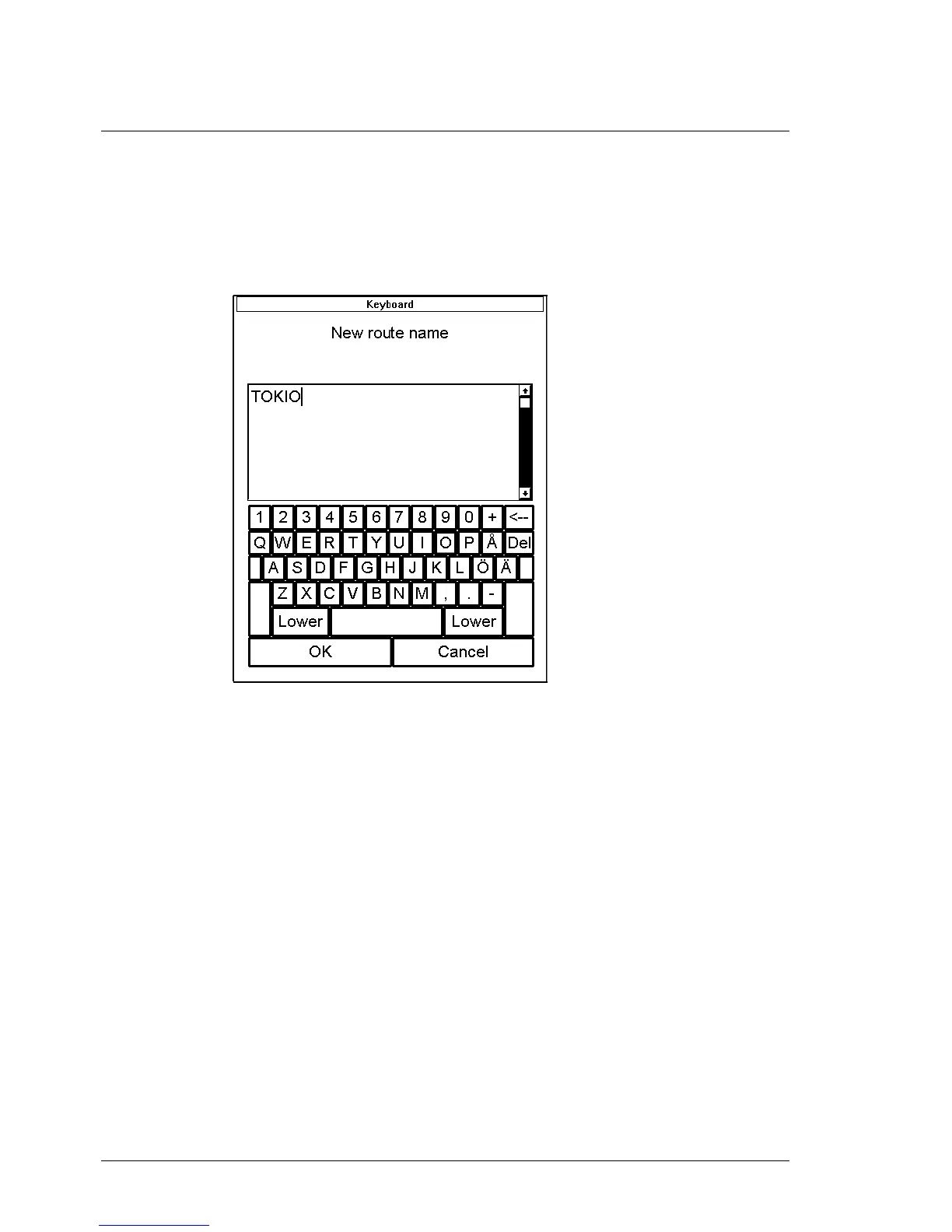
3. Enter desired name for route in New route name dialog box.
"Typewriter" which appears after create has selected.
4. Press OK, when you are satisfied with name.



 To Next Page
 Loading...








