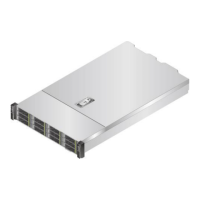
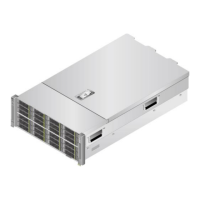
FusionServer 5288 V5 Server
Technical White Paper
Copyright © xFusion Digital Technologies Co., Ltd.
Mini-SAS connector (PORT
A/J28)
Signal connector (REAR
BP1/J31)
Power connector
(HDDBP/J24)
⚫
PCIe signal cables are connected to Mini-SAS HD connectors 3, 4, 5, and 7.
⚫
12 x 3.5" drive backplane (for dual-RAID configuration)
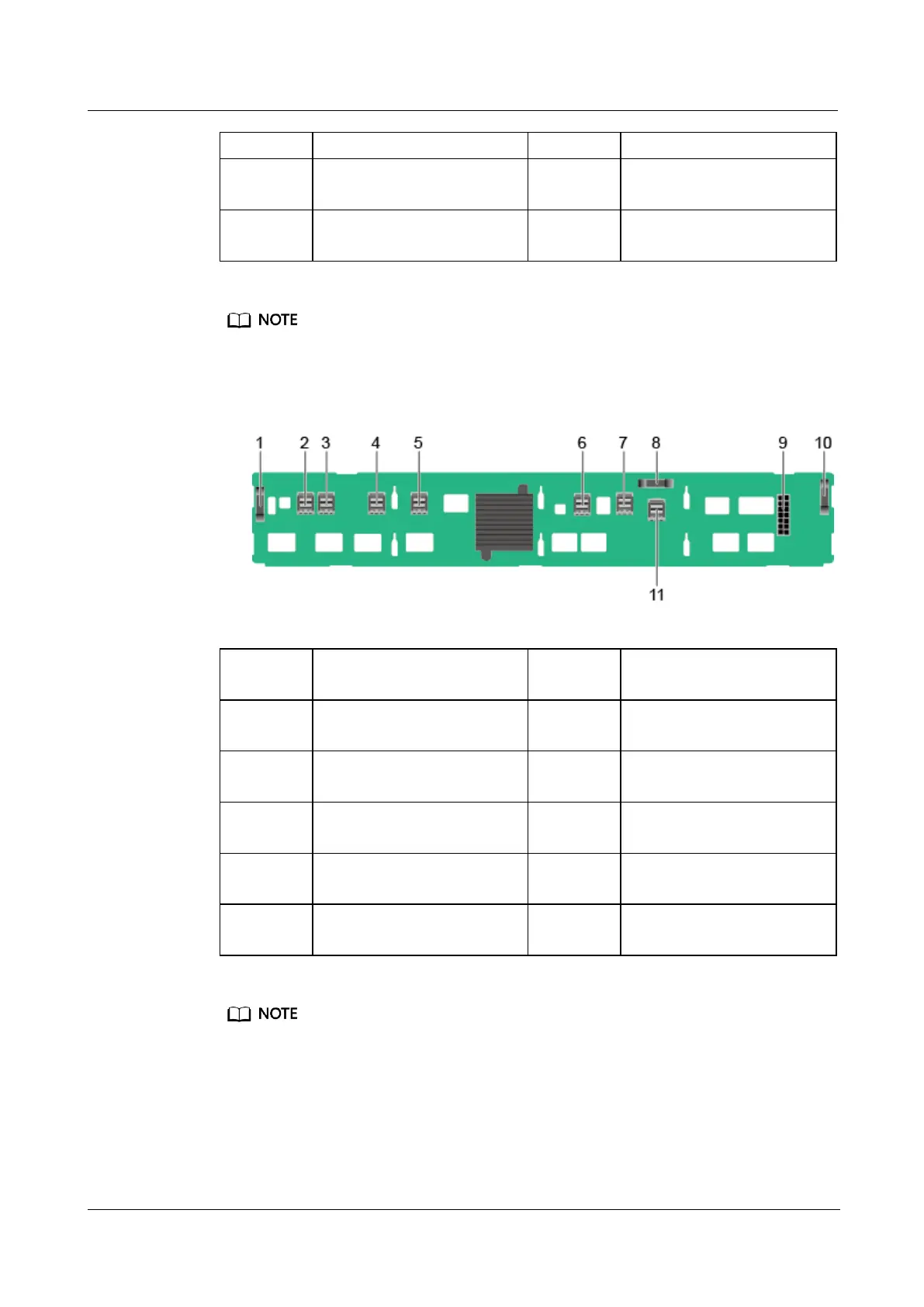
Figure 5-46 12 x 3.5" drive backplane (BOM: 03024SBX, 03029WFB)
Signal connector (REAR
BP0/J32)
Mini-SAS HD connector
(PORT 3/J37)
Mini-SAS HD connector
(PORT 2/J39)
Mini-SAS HD connector
(PORT 1/J36)
Mini-SAS HD connector
(PORT 0/J38)
Mini-SAS HD connector
(REAR PORT/J31)
Mini-SAS HD connector
(PORT A/J28)
Signal connector (HDD
BP/J1)
Power connector
(POWER/J24)
Signal connector (REAR
BP1/J35)
Mini-SAS HD connector
(PORT B/J29)
⚫
PCIe signal cables are connected to Mini-SAS HD connectors 2, 3, 4, and 5.
⚫
SAS signal cables are connected to Mini-SAS HD connectors 6, 7, and 11.


 To Next Page