3E1151SmartScale800UserManual
Page11
Selectingasetupoption
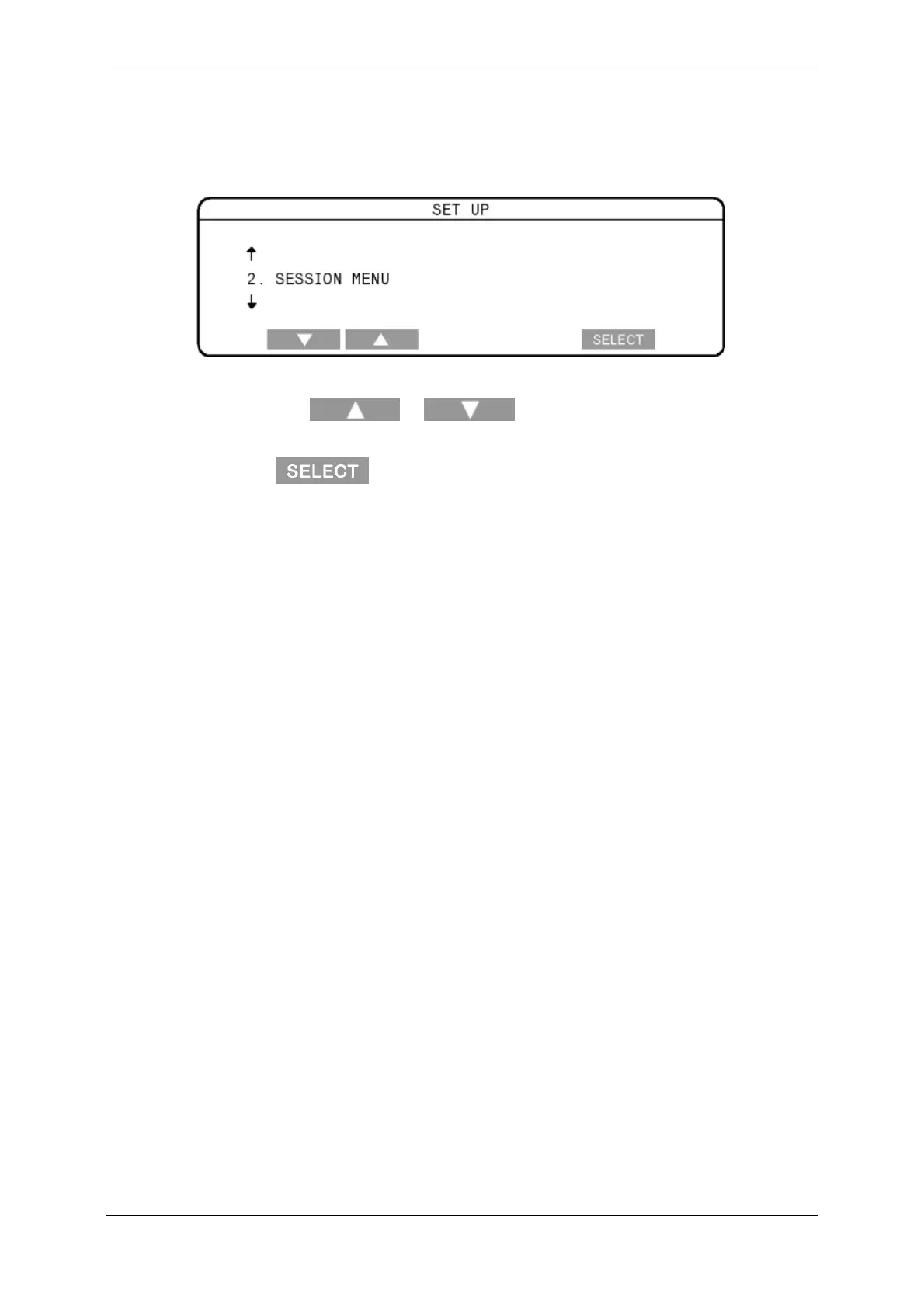
WhenyouturnthemodeselectswitchtoS,oneofthesetupmenuoptions
displays.
ToselectanoptionfromtheSetupmenu:
1. Pressthe or softkeytodisplaytherequiredmenu
option.
2. Press .
Alternatively,usingthekeypad,youcanpressthenumberofthemenuitemthat
youwanttoselect.
Forexample:
toselecttheSessionMenu,press2,
toselectCommunications,press5.
Formoreinformationabouteachofthesetupmenuitems,seethefollowing
sections.



 To Next Page