3E1151SmartScale800UserManual
5
POWERANDBATTERIES
Duringaweighingsession,theScalecanbepoweredbyitsinternalbatteryalone
orbyitsinternalbatteryandeitherthebatterychargeroranexternal12volt
battery.
ThebatterychargerconnectsbetweenanACoutletandtheScale.
Ifeitherthebatterychargeroranexternal12voltbatteryisconnectedtothe
Scale,theScale'sinternalbatterywillbechargedwhiletheScaleisinuse.
Foroptimumperformance,switchofftheScaleandchargeitsinternalbatteryfor
atleastfivehours.Whenfullycharged,theinternalbatteryonitsownwillpower
theScalecontinuously
foraminimumofeighthours.
BatterylifemaybereducediftheScaleisbeingusedtopoweranElectronicID
reader.
Chargingthebattery
ThebatteryintheScalecanberechargedusingeitherabatterychargeroran
external12voltbattery.
Rechargingthebatterywilltakeuptofivehoursdependingonthelevelofcharge
alreadyinthebattery.TheScalecanbeinuseorcanbeswitchedoffwhilethe
batteryisbeingcharged.
Usingthebatterycharger
Tochargethebatteryusingthebatterycharger,followthesesteps:
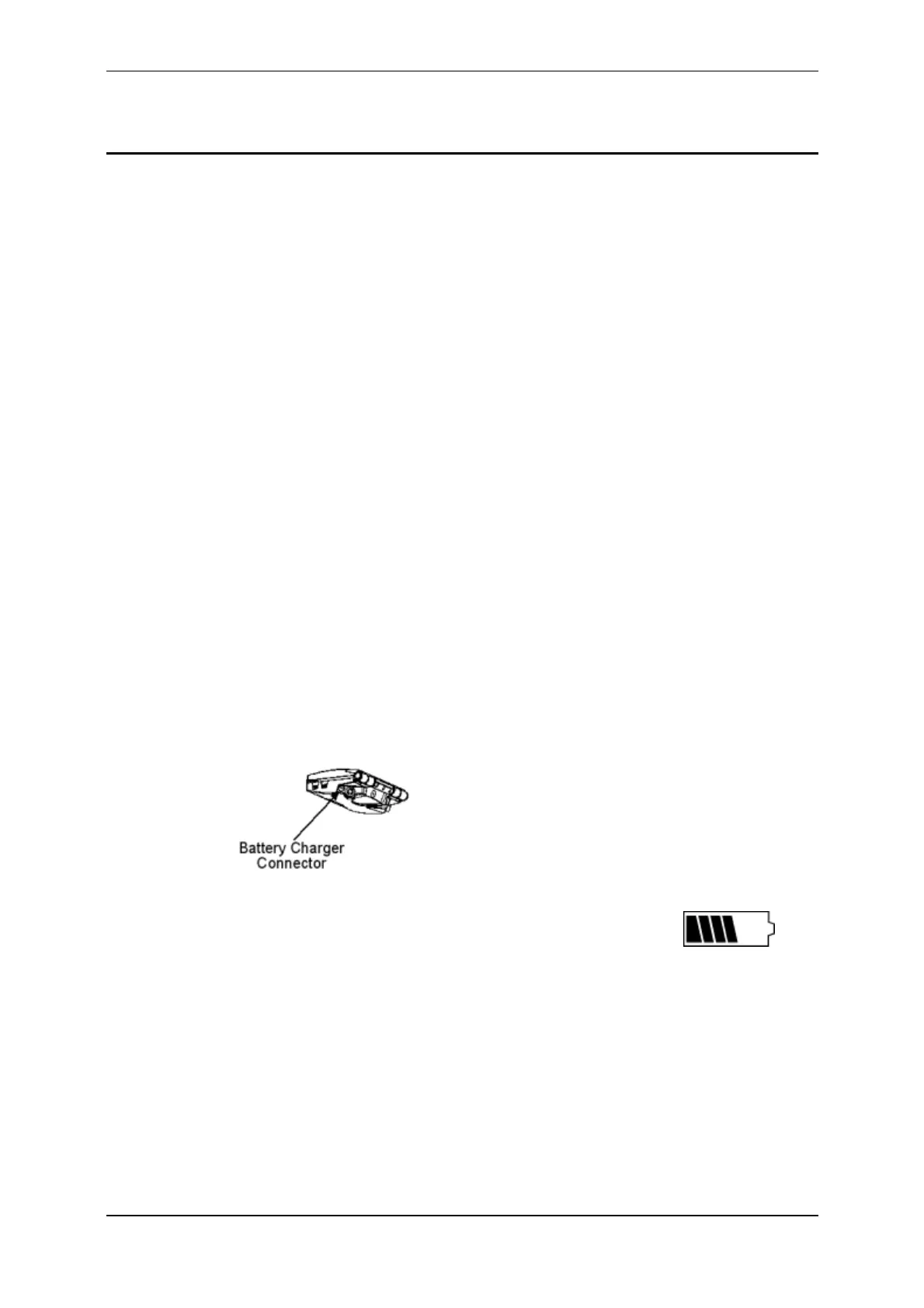
1. ConnecttheleadbetweenthebatterychargerandtheScale.
2. PlugthebatterychargerintoanACoutletandswitchon.
3. OpentheScalecaseandmakesurethebatterychargeicon on
themainscreenisflashing.Thisindicatesthatthebatteryischargingand
willbedisplayedwhethertheScaleisturnedonoroff.



 To Next Page