3E1151SmartScale800UserManual
47
WEIGHINGINASTANDARDSESSION
Creatinganewstandardweighingsession
Tocreateanewstandardweighingsession,completethefollowingsteps:
1. TurnthemodeselectswitchtoA(Automatic)orM(Manual).
2. Pressthe softkey.
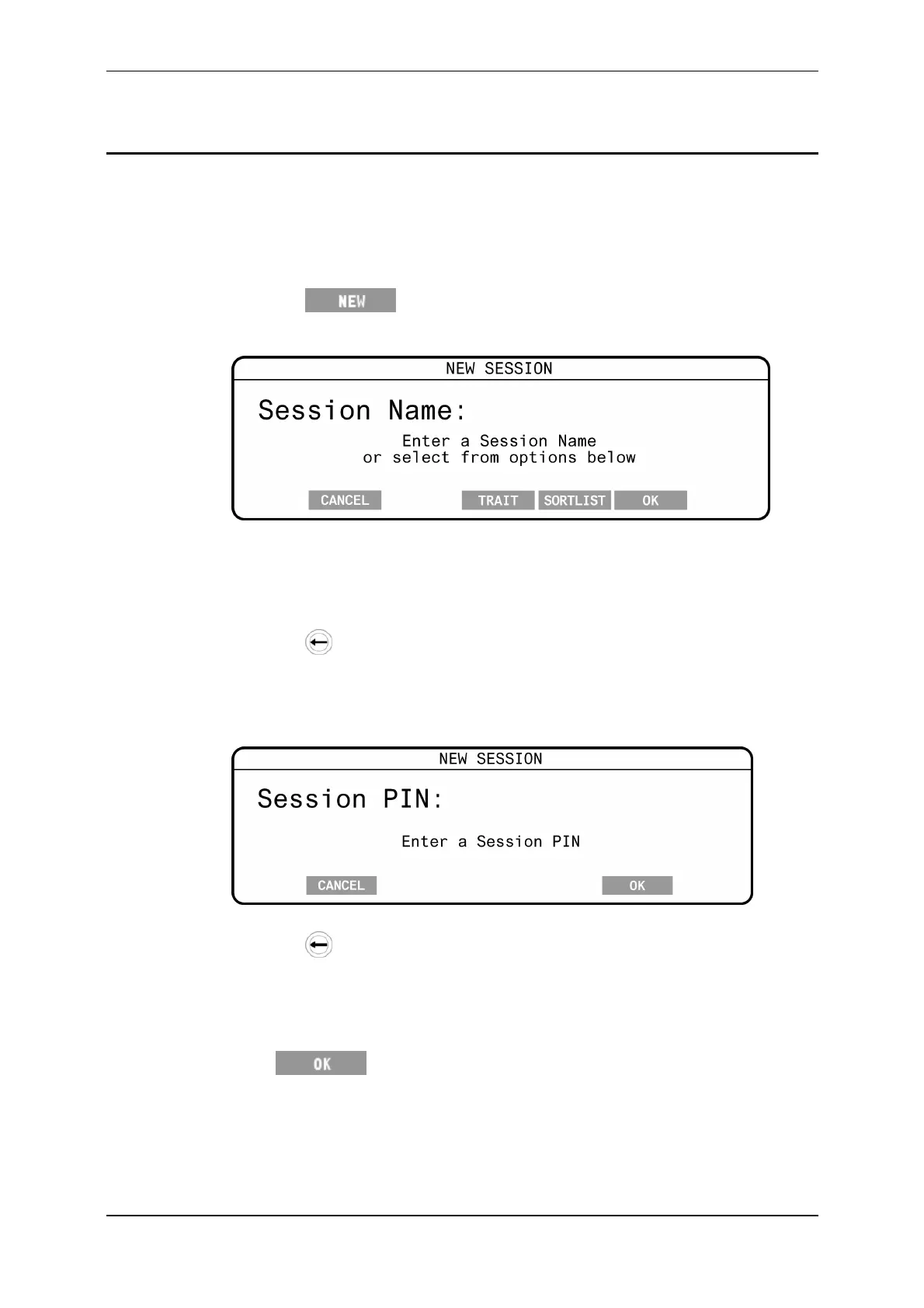
TheNEWSESSIONscreendisplays:
TheoptionsforTraitorSortListonlyshowwhentherearesuchsessions
presentintheScale:
3. Typeintherequiredsessionnameusingthekeypad.
Thenamecanbeupto17alpha‐numericcharacterslong.
Pressthe keytodeletecharacters.
Note:Youcanleavethesessionunnamed.
4. Ifprompted,typeinthePIN(canbeleftblank).ThepreviouslyenteredPIN
(PremiseIdentificationNumber)isdisplayedbydefault.
ThePINcanbeupto7alpha‐numericcharacterslong.
Pressthe keytodeletecharacters.
Note:
AsettinginMyScaleProsetswhetherthispromptisdisplayed.
TheenteredPINistransferredtoMyScaleProwiththesessiondata.
5. Press .



 To Next Page