3E1151SmartScale800UserManual
46
ConnectingtheScaletotheloadbars
Beforeyoubegintheweighingsession,completethefollowingsteps:
1. OpentheScalecase.
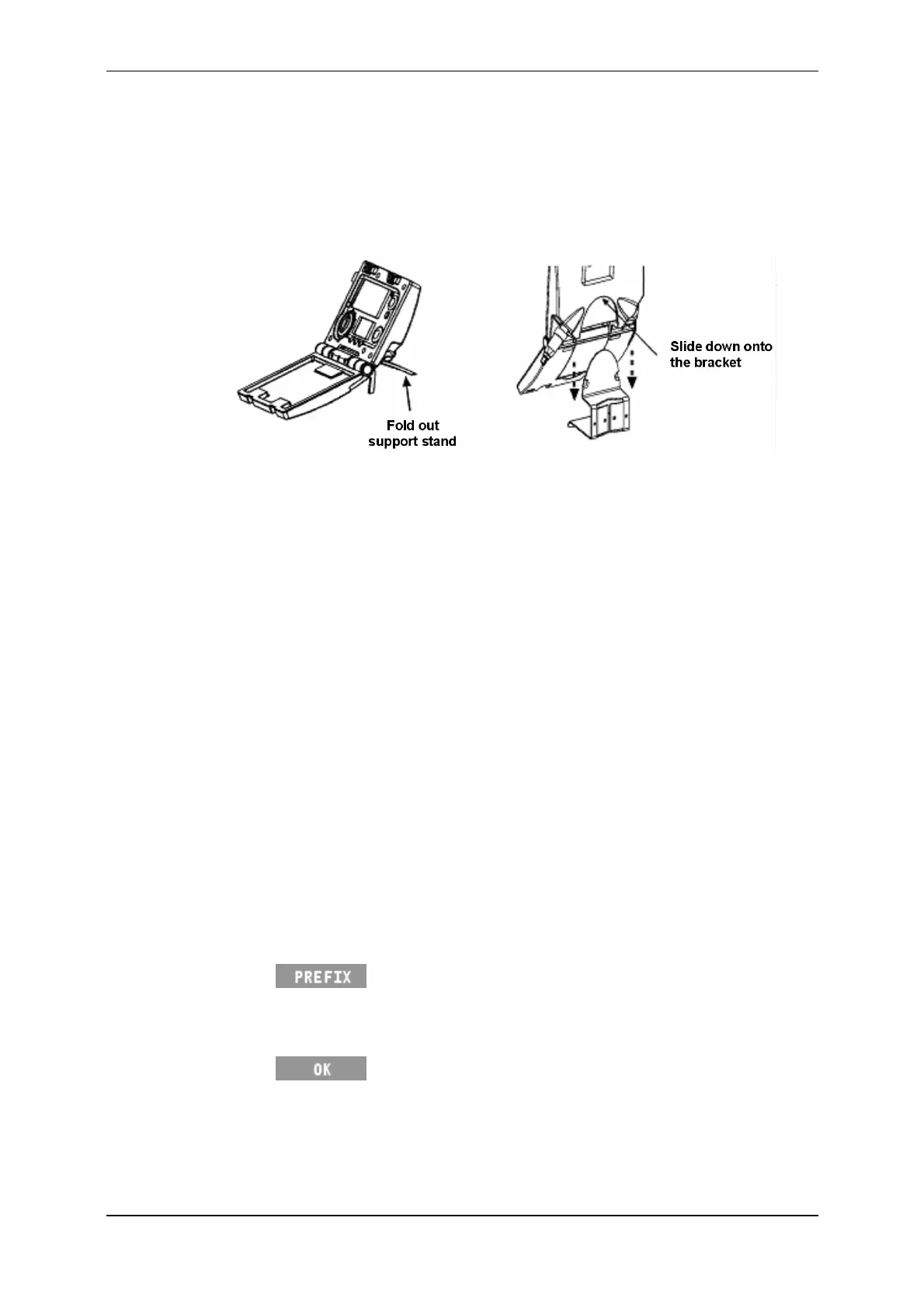
2. MounttheScaleonaflatsurfaceorclipitontotheScalebracket.
3. Ensureallrequiredaccessoriesareconnectedandsetup,forexample:
Loadbars
Sorters
ElectronicIDreaders
4. DetermineifyourequireadditionalpowerfortheScale.
EitherconnecttoanACoutletviathebatterychargerorconnecttoa12volt
battery.
Ifyouarenotconnectingtoanexternalpowersource,theScale'sinternal
batteryshouldbefullycharged.SeeChargingtheBattery(p5),ifrequired.
5. Checkandupdatethesetupoptions,asrequired.SeeSetup(p10)for
furtherdetails.
Settingthetagprefix
Tagnumberscanhavecommonprefixes.Onceyouconfigureatagnumberprefix
ontheScaleitisinsertedatthestartofanyVisualTagNumberyouenterduring
thesession.
Tosetthetagnumberprefix,completethefollowingsteps.
1. TurnthemodeselectswitchtoA(Automatic)orM(Manual).
2. Press .
3. Typeintheprefix,usingthekeypad.Theprefixcancontainuptofour
characters.
4. Press tosavetheprefix.



 To Next Page