3E1151SmartScale800UserManual
24
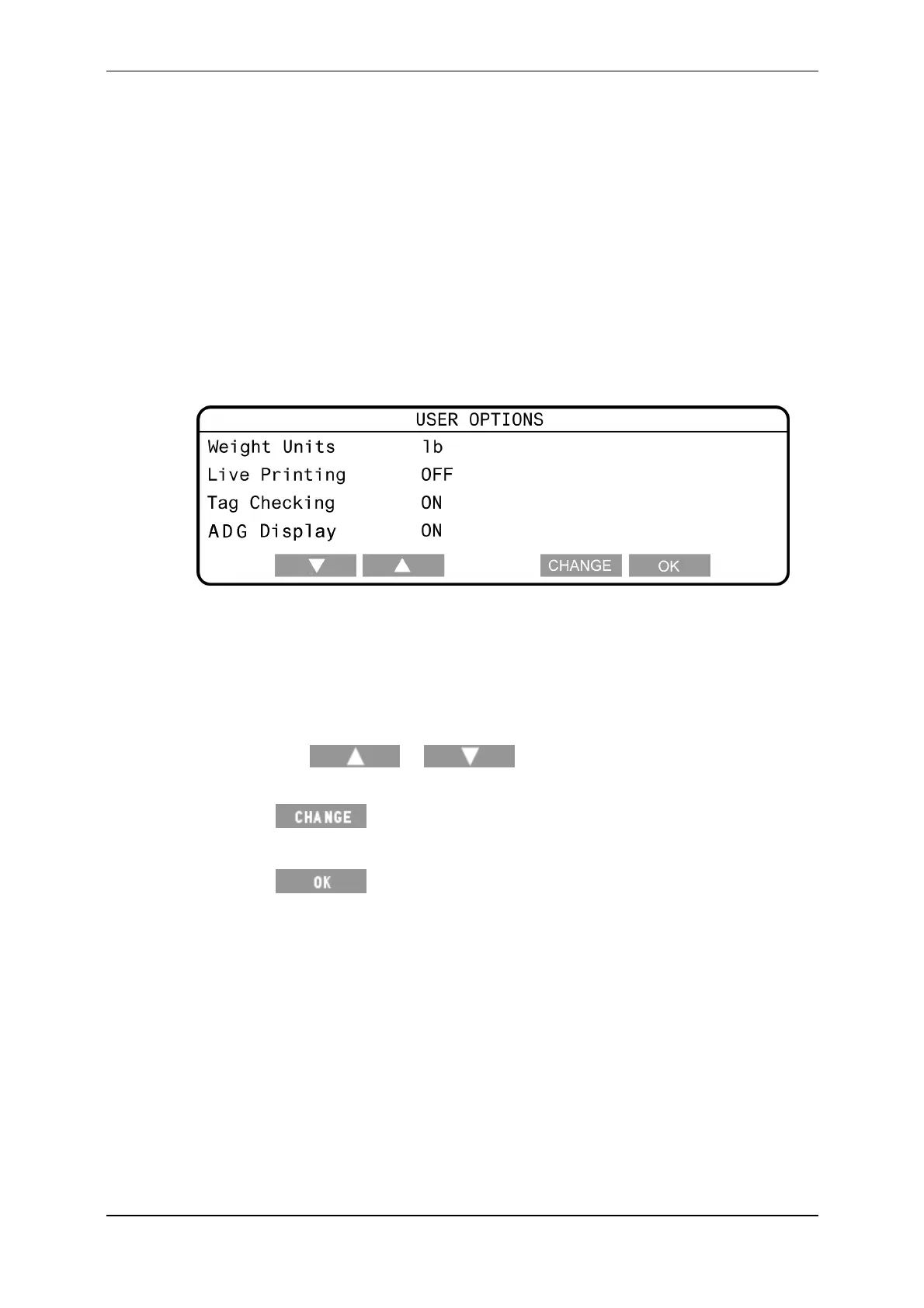
Useroptions
Thisscreenenablesyoutoseethefollowinguseroptions:
theweightunittousewhenweighinganimals.
tagchecking
liveprinting
averagedailyweightgain
TodisplaytheUSEROPTIONSscreen:
1. TurnthemodeselectionswitchtoS.
2. SelectUSEROPTIONS.
Changingauseroption
Tochangeauseroption,completethefollowingsteps:
1. TurnthemodeselectionswitchtoS.
2. SelectUSEROPTIONS.
3. Pressthe
or softkeystohighlighttheoptionyou
wanttochange.
4. Press totogglebetweentheavailableoptions.
Seethefollowingsectionsformoreinformationoneachoftheuseroptions.
5. Press
tosavethechangesandreturntotheSetupmenu.
Weightunits
YoucanspecifywhethertheScaleuseskilograms(kg)orpounds(lb)for
displayingandstoringweights.



 To Next Page